Published Date -

What Are Good Examples of Microsoft AI Agents for Mid-Size Companies?
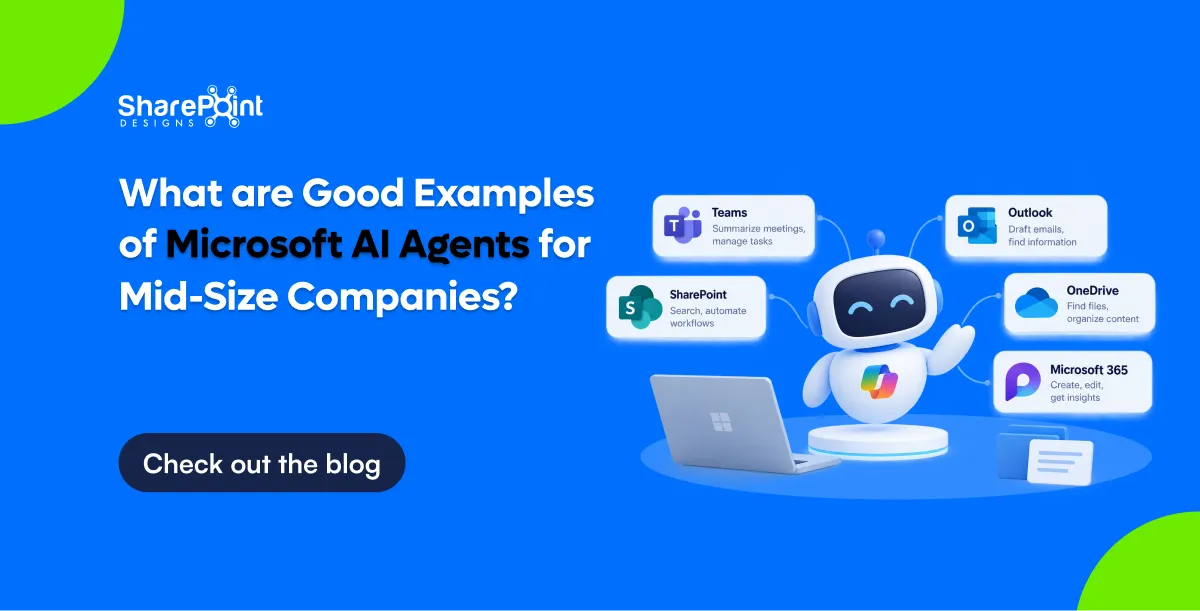
Good Microsoft AI agents for mid-size companies answer HR and IT questions, triage requests, classify documents, prepare meeting briefs and track commitments. Most are built in Copilot Studio or as SharePoint agents, using data already in Microsoft 365. Agents that need custom models, heavy document processing or complex orchestration are built in Azure AI Foundry. Running costs are often tens of dollars a month per agent.
Last updated: 10 October 2026
An AI agent is software that uses a large language model to answer questions or take actions on a user's behalf, using defined data sources and tools. This page lists twelve agents with their platform, data, effort and cost. It ends with the guardrails to set before any agent goes live.
Which Microsoft platforms are used to build AI agents?
Microsoft offers three main places to build agents: SharePoint agents, Copilot Studio and Azure AI Foundry. SharePoint agents answer questions from chosen sites and files with almost no setup. Copilot Studio adds conversations, actions and connectors through a low-code designer. Azure AI Foundry is a developer platform for custom models, retrieval pipelines and multi-agent orchestration.
Our guide to Microsoft Copilot products explains how these fit with Microsoft 365 Copilot.
What are 12 practical AI agent examples for mid-size companies?
The twelve examples below are agents that mid-size organisations can build and run today. Each uses data the organisation already holds. Each also has a clear measure of success, such as fewer tickets or hours saved. Start with one agent whose questions are frequent, repetitive and answered by existing documents.
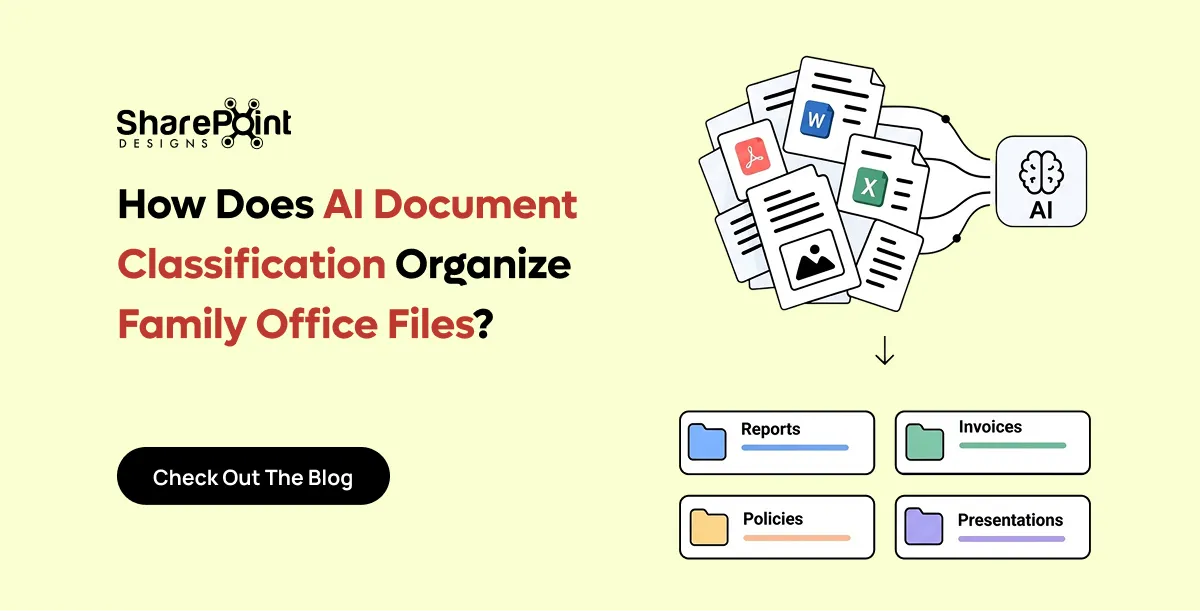
Agents 6 and 7 are based on agents we have built. Our post on AI document classification for family offices describes the classifier approach.
How do you choose between Copilot Studio and Azure AI Foundry?
Choose Copilot Studio when the agent mainly answers questions and takes standard actions inside Microsoft 365 and common business systems. Choose Azure AI Foundry when you need custom prompts at scale, specialised models, high-volume document processing or several agents working together. Many organisations start in Copilot Studio and move individual agents to Foundry when they outgrow it.
Use Copilot Studio when:
- The data lives in SharePoint, Dataverse or a system with a Power Platform connector.
- Business users will maintain the agent after launch.
- Volume is moderate, such as hundreds of conversations a day.
Use Azure AI Foundry when:
- You process thousands of documents a day.
- You need model choice, evaluation and fine control over prompts.
- The agent coordinates several steps or other agents.
How much does it cost to run a Microsoft AI agent?
Running costs depend on platform and usage. Copilot Studio uses Copilot Credits: a pack of 25,000 credits costs $200 per month, or pay-as-you-go costs $0.01 per credit. A generative answer uses 2 credits and an agent action uses 5. Internal use by staff with a Microsoft 365 Copilot licence does not consume credits. Azure AI Foundry is billed by model usage and Azure resources.
Worked example for the HR policy assistant:
Build effort usually costs more than running costs. A focused SharePoint agent takes hours. A Copilot Studio agent with two or three actions typically takes one to three weeks. A Foundry agent with custom document processing typically takes four to eight weeks. Pricing figures are Microsoft list prices as of October 2026.
Which guardrails should you set before launching an AI agent?
Set five guardrails before launch. Limit sources, check permissions, define refusals, log conversations and name an owner who checks answers monthly. These guardrails prevent the two most common failures: confident answers from outdated content, and answers that reveal content to the wrong people.
- Approved sources only. Point the agent at curated libraries, not entire tenants.
- Permissions checked. Fix over-shared sites first, because agents respect existing access.
- Refusal rules. Define topics the agent must hand to a human, such as legal advice or grievances.
- Logging and review. Keep transcripts and review a sample each month.
- Named owner. One person is accountable for accuracy and updates.
Our article on why Copilot returns the wrong document explains how source quality affects answers.
How do you measure whether an AI agent is working?
Measure an agent against the work it replaces. Track how many questions it answers without escalation, how often users rate answers as helpful, and how much the related ticket or email volume falls. Review these figures monthly for the first quarter. Retire or redesign any agent that does not reduce workload within three months.
- Resolution rate. Share of conversations closed without a human.
- Answer accuracy. Share of sampled answers judged correct by the owner.
- Volume shift. Change in related tickets or emails.
- Adoption. Weekly active users as a share of the target audience.
See our AI agents service for how we scope a first agent, and our Copilot Studio use cases for more ideas.
faqs
Johnsi Jayasingh

Johnsi Jayasingh is a technology leader and Co-Founder & Chief Innovation Officer with over 20 years of experience in digital solutions. She specializes in Microsoft technologies, including SharePoint and the Power Platform, driving modern digital workplaces. She is known for turning complex technology into simple, high-impact user experiences.





.svg)





