Introduction
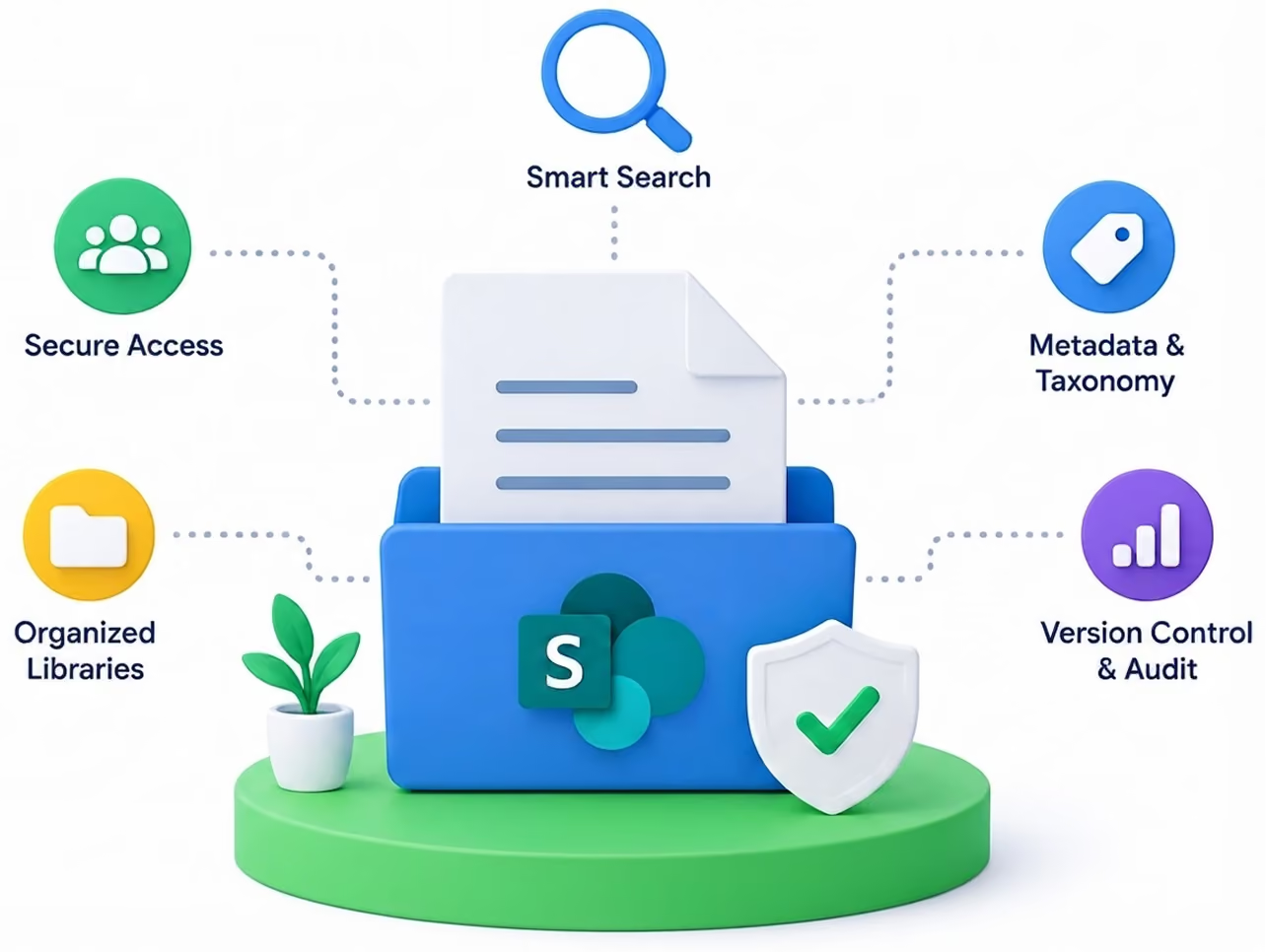
A SharePoint document management system is a structured way to store, classify, secure and retrieve business documents inside Microsoft 365, using metadata, permissions, versioning and retention policies instead of nested folders. Most organisations already own everything they need to build one. They just never set it up properly, so SharePoint turns into a file share with a nicer logo.
This guide covers how to do it correctly. The architecture decisions, the metadata model, the retention setup, and the limits you will hit along the way. It comes out of 800+ builds across 23 countries, including the ones that went wrong.
A document library is storage. A document management system is governance. The difference shows up the moment someone asks a hard question. Which version is current? Who approved it? When was it last reviewed? Who is allowed to see it? How long do we have to keep it? A library shrugs. A system answers.
Four things separate one from the other:
Classification
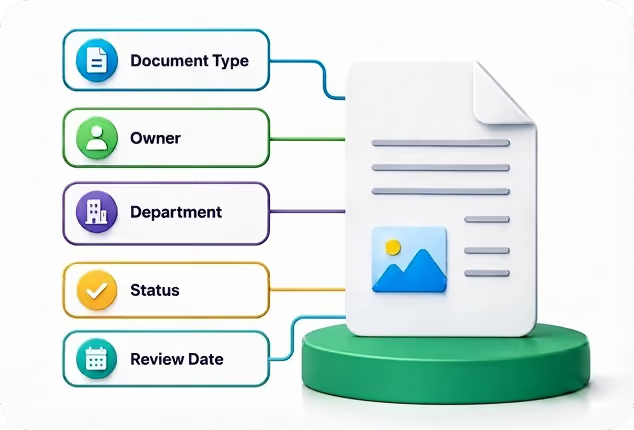
Every document carries metadata that describes what it is, who owns it and which process it belongs to.
Lifecycle
Documents get reviewed on a schedule and disposed of on a schedule, without anyone remembering to do it.
Control
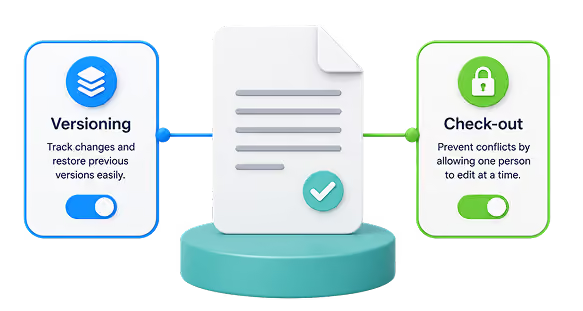
Changes are versioned, approvals are recorded, and the audit trail survives staff turnover.
Access
Permissions follow roles, not individuals, so leavers and movers do not create quiet security holes. SharePoint can do all four. It just will not do any of them by default.
If you're looking for a faster way to implement these governance capabilities, a packaged document management system can provide a proven foundation with architecture, metadata, permissions, and lifecycle management already in place.

Architecture Is the Decision You Cannot Cheaply Reverse Everything else can be retrofitted. This cannot.
Start with sites, because a site is both a security boundary and a navigation boundary. For most organizations, one site per business function works best Finance, HR, Legal, and Operations. Resist the urge to create a site for every project unless those projects are long-lived and genuinely require separate permissions.
Tie those sites together with a hub. Hubs give you shared navigation, a rolled-up search scope and a consistent look, without forcing everything into one enormous site collection. They are also easy to change later, which is exactly what you want from the layer that holds your structure together. Inside each site, split libraries by document type rather than by year or by team. Contracts, Invoices and Policies are useful libraries. "2024" is not; it is a metadata value pretending to be a container.
Organizing libraries by document type is only part of the solution. Choosing the right document library layouts also makes documents easier to find and manage as your content grows.
The rule that saves the most pain; If you find yourself needing a folder more than three levels deep, you need metadata instead. Folders describe one path to a document. Metadata describes every path at once, which is what people actually need when they are searching under pressure.
This is the part teams get wrong most often, and they get it wrong in the same direction every time: too many fields.
Pick between four and eight metadata fields per document type. Not fifteen. Every required field is a small tax on the person uploading content. Tax people too heavily, and they stop uploading properly. Instead, they dump files into a folder called "New Folder (2)", and your system quietly dies.
A workable schema for most organisations looks like this:


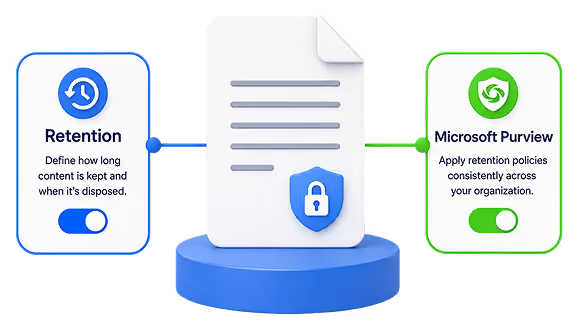
Map every document type to a retention period first, on paper, with whoever owns the legal obligation.
7 years for financial records
6 years for contracts after expiry
2 years for routine correspondence
The numbers come from your regulator and your legal counsel, not from IT
Then create a retention label for each period, and attach labels to content types so they apply automatically.
Manual labelling works for a fortnight and then stops happening.
Test on one pilot site before you publish anything tenant-wide. Retention is one of the few settings in Microsoft 365 that can permanently delete things, and label policies can take up to seven days to propagate. A mistake here is expensive and slow to notice.
use records declaration. It locks the document against editing and deletion until the retention period expires, which is what an auditor means when they ask whether your records are immutable.

Retention is a key part of ISO-compliant document management.

Four constraints catch nearly every team. None are dealbreakers. All are cheaper to design around now than to discover in month six.
Read-and-acknowledge tracking helps verify document reviews and supports compliance audits.
There is no universal answer, but there is a reliable test.
Its strength is file share to SharePoint Online migration. SPMT deYour requirements are ordinary store, find, version, restrict.
You have a SharePoint-literate person internally who will still be there next year. You are under a few hundred users.
Nobody is auditing you against a named standard.livers bulk document migration with metadata preservation, incremental sync, and parallel agent support.
Production throughput is 1-2 TB per agent per 24 hours. You may deploy up to 50 agents, though throttling typically limits effective concurrency to 10-15 agents.
You need approval workflows, review cycles and audit trails that hold up in front of an assessor. You are governed by SOX, ISO 27001, GDPR or HIPAA.
You have already tried building it and the Power Automate flows keep breaking. You need it working this quarter, not next year.
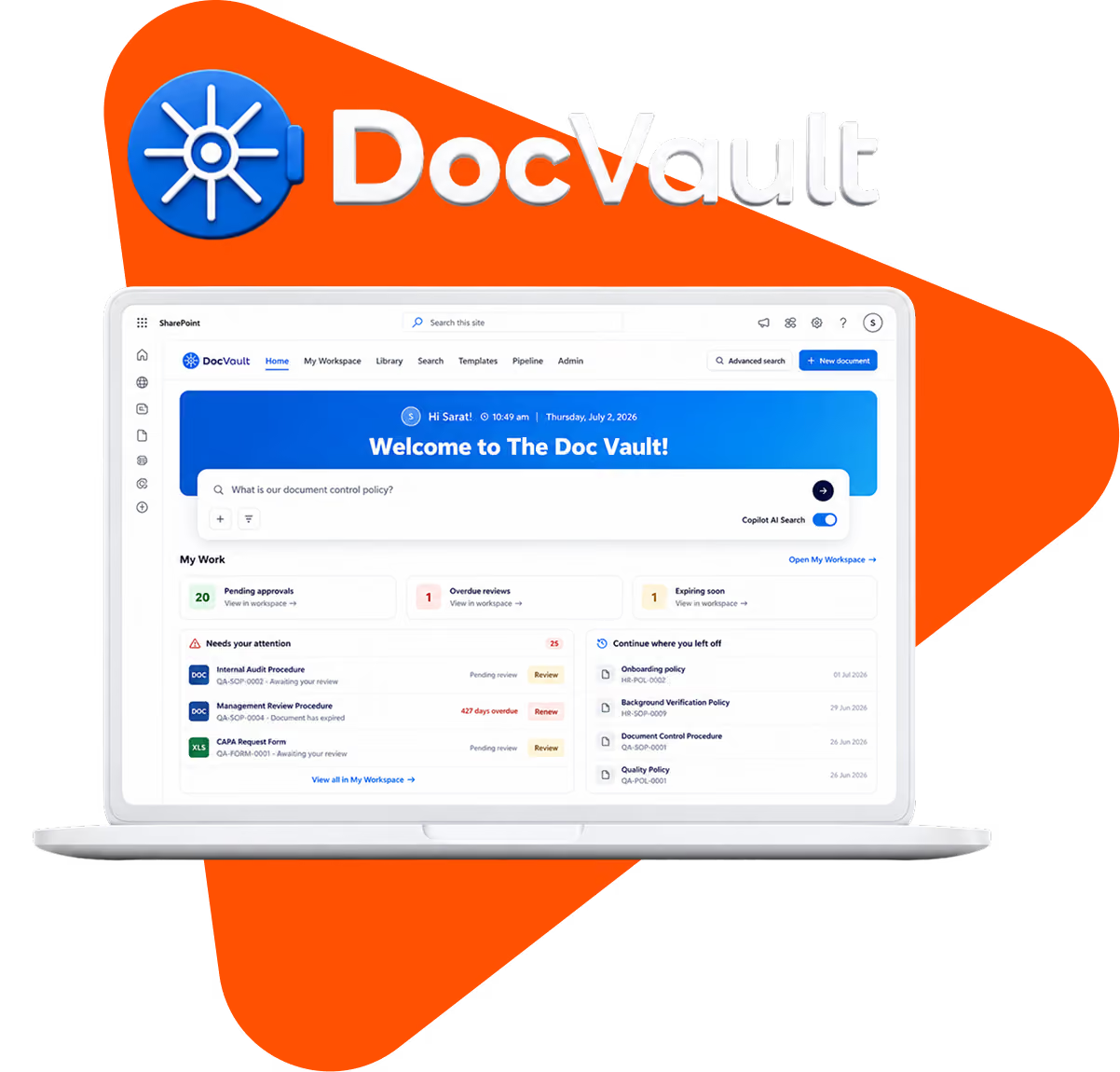
DocVault is our answer to the second case. It is an AI-powered document management system that installs inside your own Microsoft 365 tenant.
Unlimited users at a flat rate, no per-seat maths, no Azure, no premium connectors, and nothing ever leaves your environment. Approval workflows, automatic numbering, retention and a full audit trail arrive configured.
If you are still weighing it up, the comparison above is the fastest way to work out which side of the line you are on.
Yes. SharePoint provides versioning, metadata, permissions, search and retention natively. It becomes a document management system once you design an information architecture and metadata model on top of it. Without that, it behaves like a file share.
A library stores files. A document management system governs them how they are classified, who approves them, when they are reviewed, how long they are kept and who may see them.
A library can technically hold 30 million items, but Microsoft recommends staying under 100,000 per library, and any single view returning more than 5,000 items will fail unless the relevant columns are indexed.
SharePoint supplies the controls audit logs, encryption, retention, access management. Compliance depends on how you configure and evidence them. The platform makes it possible; it does not make it automatic.
Not natively. Read-and-acknowledge tracking requires a custom build or a product layer on top of SharePoint.
A straightforward departmental setup takes two to four weeks. An enterprise rollout with migration, governance and training runs eight to sixteen weeks. A packaged product deploys considerably faster.

DocVault is an AI-powered document management system built natively on Microsoft 365. Find any file in seconds, automate approvals, and stay audit-ready for SOX, GDPR, ISO 27001, and HIPAA.
Explore Docvault