Published Date -

How Do You Move From LiveTiles, Jive or an Old Intranet to a SharePoint Intranet?
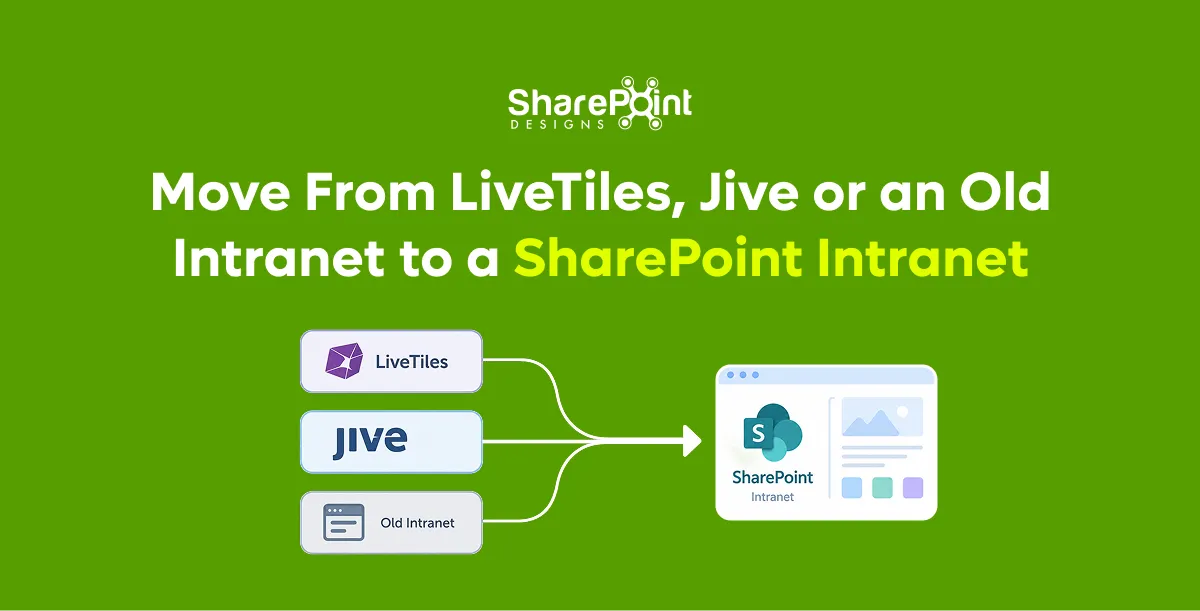
Quick Answer: You move to a SharePoint intranet in four stages over about 30 days for a focused scope. Week one is a content inventory and keep-or-archive decisions. Week two sets up the SharePoint structure. Week three migrates and rebuilds the content that matters. Week four tests, redirects old links and launches. Large or heavily customised intranets take longer, but the order stays the same.
Last updated: 10 October 2026
Intranet vendors change. Products are acquired, merged or put into administration, and support for on-premises software ends. This guide covers why organisations are moving now, what changes for each starting point, and a week-by-week plan.
Why are organisations moving off LiveTiles, Jive and older intranets?
Organisations are moving because of vendor uncertainty and end-of-support dates. LiveTiles has been in receivership since December 2023. Jive has changed ownership more than once and now sits within Aurea. Beekeeper has become part of LumApps. SharePoint Server 2016 and 2019 reached end of support on 14 July 2026.
Sources: public company records and vendor announcements, reviewed October 2026.
What makes a SharePoint intranet a safer long-term choice?
A SharePoint intranet is a safer long-term choice because the platform is run by Microsoft and the content stays in your own Microsoft 365 tenant. If a partner or add-on vendor changes, your intranet keeps running. Pages, files, permissions and search remain where they are. You are not exporting your whole intranet every time a vendor's situation changes.
What stays under your control:
- Content, pages and documents in your tenant
- Permissions and security settings
- Search and Copilot access to the same content
- The choice of partner, product or internal team
Our article on rebuilding SharePoint rather than replacing it explains the ownership argument in more detail.
What changes when you move from LiveTiles to standard SharePoint?
Moving from LiveTiles is often simpler than other moves, because LiveTiles intranet products were largely built on top of SharePoint and Microsoft 365. Much of the content may already sit in SharePoint libraries. The main work is replacing LiveTiles-specific pages, tiles and web parts with standard or supported SharePoint components, then removing the old app.
Typical LiveTiles move:
- List every page that uses LiveTiles components.
- Map each component to a standard SharePoint web part or a supported replacement.
- Rebuild those pages as modern SharePoint pages.
- Remove LiveTiles apps and permissions once pages are verified.
What changes when you move from Jive to SharePoint?
Moving from Jive means moving content from a separate platform into SharePoint, so it needs export, transformation and import. Jive places, blogs, documents and discussions do not map one-to-one to SharePoint. Documents move to libraries. Blogs and announcements become news posts. Discussions usually move to Viva Engage or Teams rather than SharePoint pages.
Our comparison of SharePoint migration tools shows which tools handle Jive and other sources.
How do you plan a 30-day intranet move?
Plan the move as four one-week stages with a clear decision at the end of each. The plan below suits a focused intranet of a few hundred pages. Larger intranets repeat weeks two and three for each department wave. The key rule is to decide what to archive before migrating anything.
- Week 1: Inventory and decide. Export every page and file with owner, last update and views. Mark each as keep, rewrite, merge or archive.
- Week 2: Build the structure. Create the home site, hub sites and navigation. Apply branding and a template.
- Week 3: Migrate and rebuild. Move documents with a migration tool. Rebuild the top pages by hand as modern pages.
- Week 4: Test, redirect and launch. Test top tasks with real employees, redirect old URLs and announce the launch.
Our free intranet migration best practices e-book includes a migration checklist.
How do you avoid losing links and history during the move?
Avoid losing links by recording every old URL during the inventory and mapping it to a new page before launch. Then set up redirects, so bookmarks and links in emails still work. Keep the old platform read-only for a short period after launch, rather than switching it off on day one.
- Keep a URL map spreadsheet: old address, new address, owner.
- Redirect the top 200 most-visited old URLs at minimum.
- Keep the old platform read-only for 30 to 60 days.
- Archive a final export of the old platform for records.
Our guide to SharePoint migration without downtime covers cutover planning.
What if you are still on SharePoint Server 2016 or 2019?
If you are still on SharePoint Server 2016 or 2019, you are running software that no longer receives security updates since 14 July 2026. The two main routes are moving to SharePoint Online, or upgrading to SharePoint Server Subscription Edition if you must stay on-premises. Most intranets move to SharePoint Online.
Our SharePoint 2016 and 2019 end-of-support migration guide compares both routes. Sangha provides a ready intranet design for organisations that want to launch quickly in SharePoint Online.
faqs

Razia Shafiullah Khan

She believes that time is one of the most valuable assets in business and that managing it effectively is essential for success. With over a decade of experience in a reputed MNC and a strong background in corporate finance, she brings expertise in managing projects from planning to delivery. By following Agile methodology, she ensures projects stay on track and are delivered on time. For her, quality and timely delivery are always the top priorities.









.svg)





