Published Date -

Top 10 Tips for Easy SharePoint Intranet Maintenance (Practical & Proven)
Launching an intranet is a lot like buying a desk plant. At first, it feels exciting and fresh. But without regular care, it slowly loses its charm.
While launching a SharePoint intranet template can be done quickly, maintaining a modern SharePoint intranet over time requires thoughtful planning. Many HR teams and SharePoint owners face the same challenge: the intranet starts strong, but ongoing SharePoint intranet maintenance updating banners, news, and announcements gradually becomes overwhelming.
This blog focuses on easy SharePoint Intranet maintenance best practices that help you design a low-maintenance SharePoint intranet, saving time while keeping it relevant and engaging.
1. Banner Image with Vision, Mission, and Values
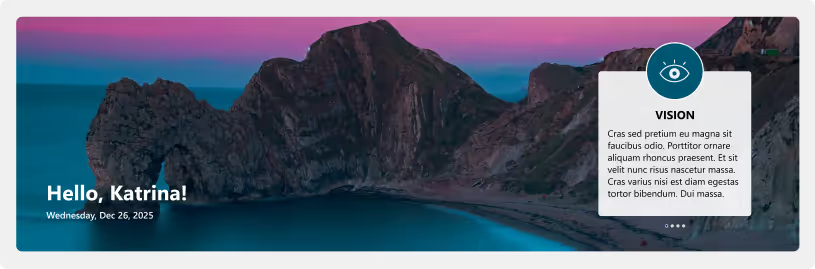
Your homepage banner sets the tone for your intranet. Instead of changing it frequently, align it with your organization’s vision, mission, and values. These rarely change, making them perfect long-term content. You may refresh the banner quarterly or during major company milestones to keep it visually fresh without constant updates. This approach supports long-term SharePoint intranet design without frequent visual changes.
2. News Through RSS Feeds
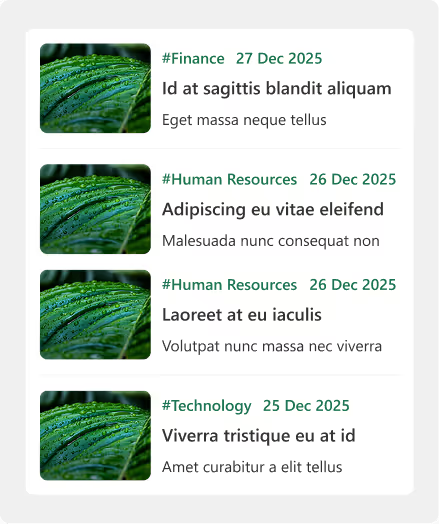
Instead of writing news articles from scratch, connect your intranet to RSS feeds from your company website or trusted external sources. This allows relevant news to appear automatically, keeping the site fresh and informative with minimal manual intervention. This keeps your SharePoint intranet content fresh without increasing maintenance effort.
3. Quote of the Day (QOTD)
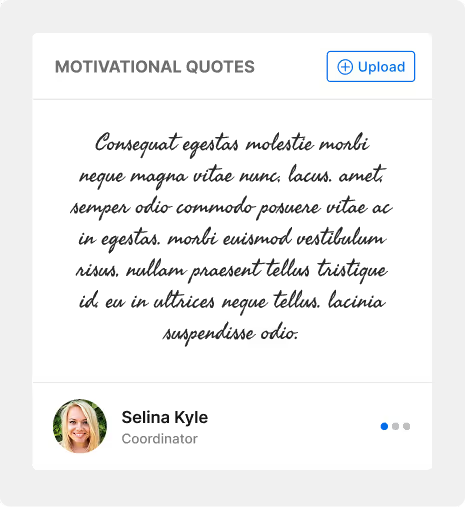
A Quote of the Day widget adds daily freshness to your intranet. By pulling from a predefined quote library or external source, a new quote can be published automatically each day. This small touch keeps the homepage dynamic and motivating.
4. Birthdays, Anniversaries, and New Joiners
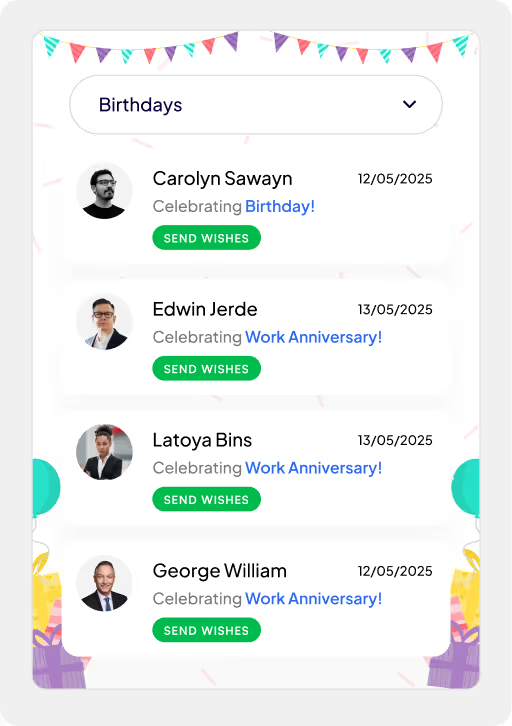
Manually updating people-related information is time-consuming. Integrating your intranet with Active Directory allows birthdays, work anniversaries, and new joiners to update automatically. This ensures accuracy, consistency, and keeps employees feeling recognized without extra effort from HR. Automation like this is a key part of sustainable SharePoint intranet best practices.
5. Sociable Kit for Social Media Updates
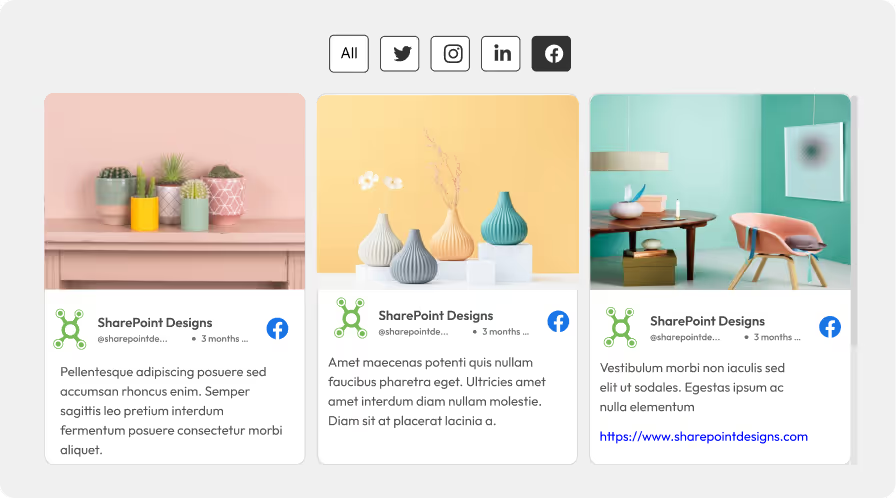
Employees often engage more with real-time content. A Sociable Kit can automatically pull posts from your company’s social media channels and display them on the intranet. This keeps internal communication aligned with external branding efforts.
6. Web Parts with Start and Expiry Dates
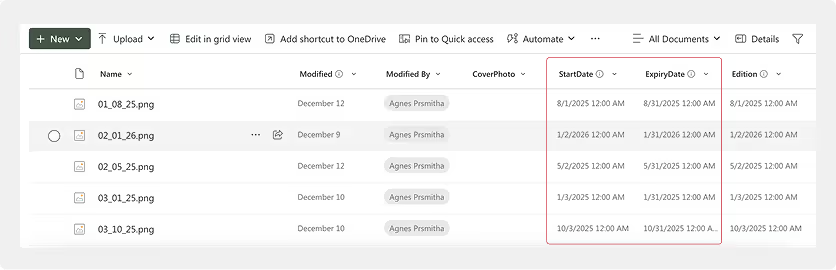
Using start and expiry dates for web parts ensures content appears only when relevant. It also allows you to upload content in advance and plan the contents. Campaigns, announcements, or events automatically disappear after their expiry, keeping the intranet clean and clutter-free without manual cleanup.
7. Weather and Stock Market Widgets

Live widgets such as weather or stock market updates add real-time value. Integrating trusted sources like MSN allows automatic updates and even severe weather alerts, keeping employees informed without maintenance effort.
8. One-Click ‘Add to Outlook’ for Events
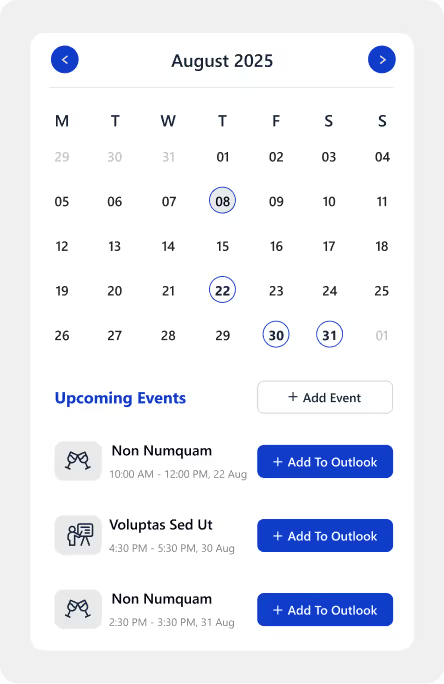
Events become more effective when employees remember them. A one-click ‘Add to Outlook’ option allows users to save events instantly to their calendars, improving attendance and reducing follow-up communication.
How to keep your SharePoint Intranet updated: Weekly, Monthly & Quarterly
9. Default Messages for Empty States
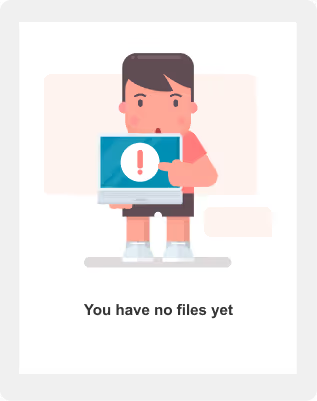
Empty sections can make a site feel broken. Set up friendly default messages with simple illustrations for times when there are no announcements or new joiners. This keeps the page visually complete and user-friendly.
10. Automated Holiday Themes
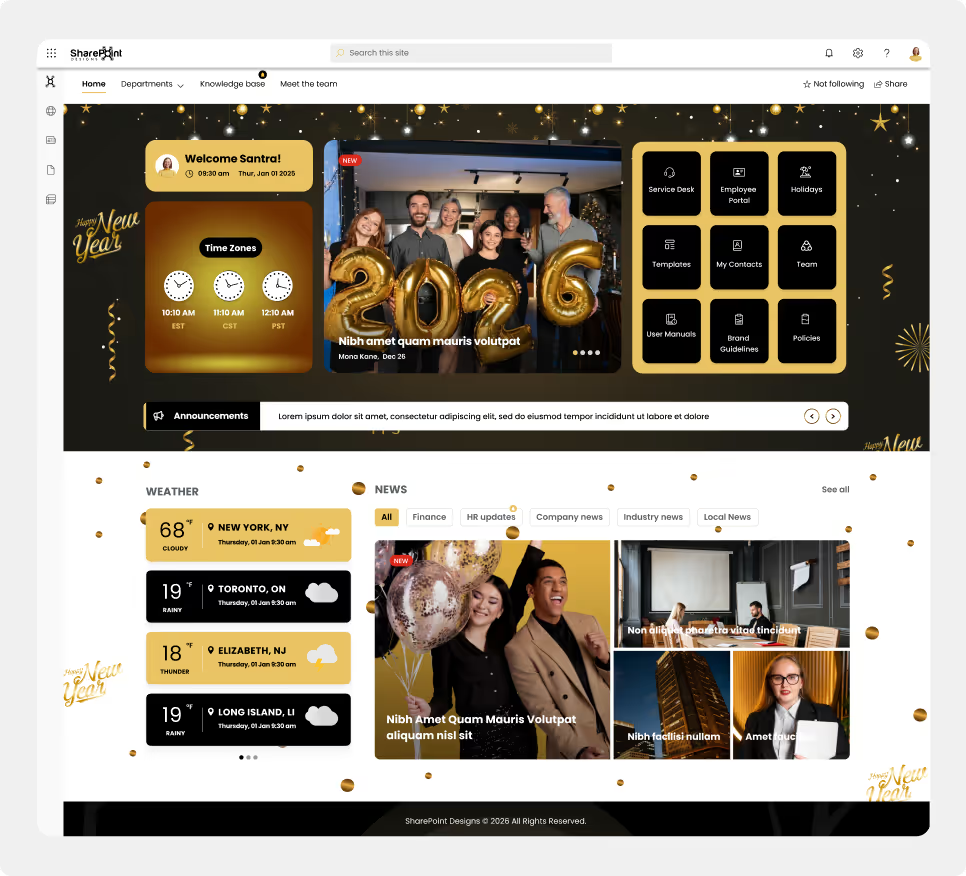
Holiday-themed designs add fun and warmth to the intranet. By scheduling these themes in advance, they can automatically go live before festive seasons, creating a bit of fun and excitement without last-minute design changes. Scheduled theming is commonly used in modern SharePoint intranet templates to balance culture and efficiency.
Final Thoughts
A well-planned SharePoint intranet does not demand constant attention. Think of it like a succulent rather than a high-maintenance desk plant. With the right setup, it doesn’t need daily watering, yet it continues to stay healthy and grow. In the same way, smart automation and thoughtful SharePoint configuration allow your intranet to remain fresh, engaging, and relevant, thriving on its own.
By following these SharePoint intranet maintenance best practices, organizations can create a modern intranet that continues to support employees long after launch.
faqs
Johnsi Jayasingh

Johnsi Jayasingh is a technology leader and Co-Founder & Chief Innovation Officer with over 20 years of experience in digital solutions. She specializes in Microsoft technologies, including SharePoint and the Power Platform, driving modern digital workplaces. She is known for turning complex technology into simple, high-impact user experiences.





.svg)