Published Date -

SharePoint Intranet Homepage Best Practices to Boost Engagement and Usability
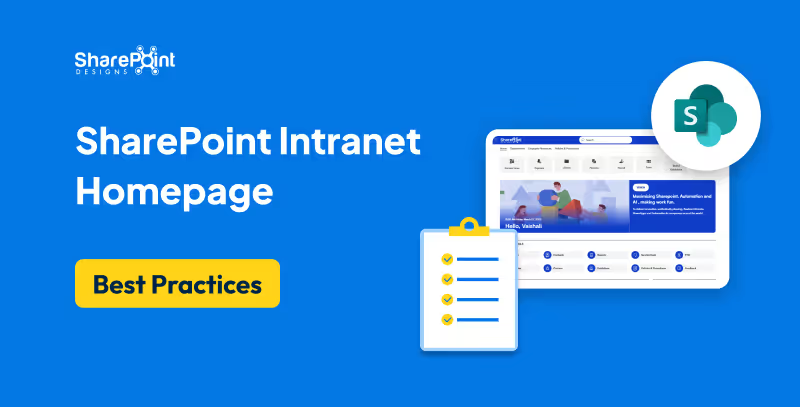
The SharePoint intranet homepage serves as the digital gateway to your organization. It’s where employees go to find updates, access tools, and connect with the broader company. A well-designed homepage can boost employee engagement, improve productivity, and reduce time wasted navigating cluttered systems. In this guide, we outline the best practices to help you design a high-impact SharePoint intranet homepage that aligns with your business goals.
Why Your SharePoint Homepage Matters
The homepage sets the tone for your entire intranet experience. When done right, it:
- Increases intranet adoption
- Centralizes communication and resources
- Encourages cross-departmental visibility
- Reduces support tickets and duplicated work
1. Focus on User-Centric Design
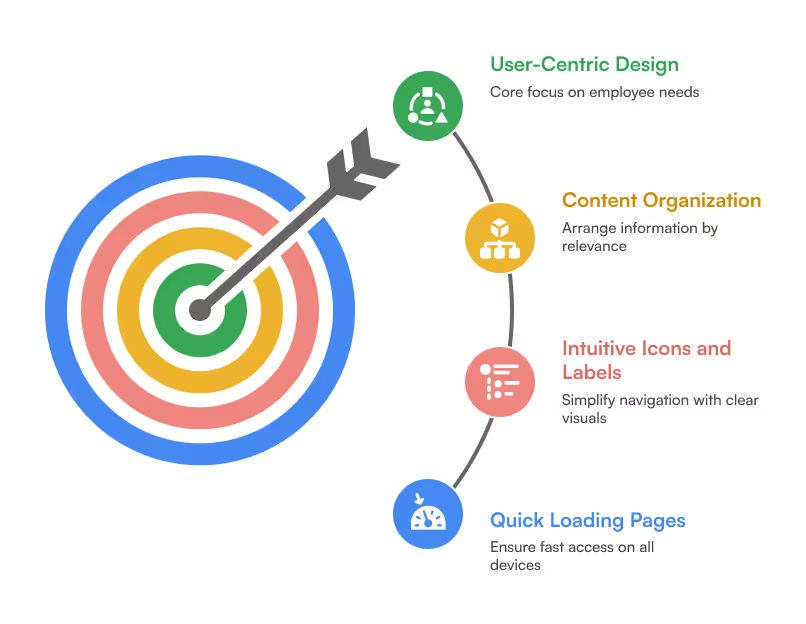
Your homepage should cater to employees, not administrators. Conduct user interviews or surveys to understand what information they need daily. Ensure that:
- Content is organized by relevance and frequency of use
- Icons and labels are intuitive
- Pages load quickly on desktop and mobile
2. Prioritize Key Web Parts
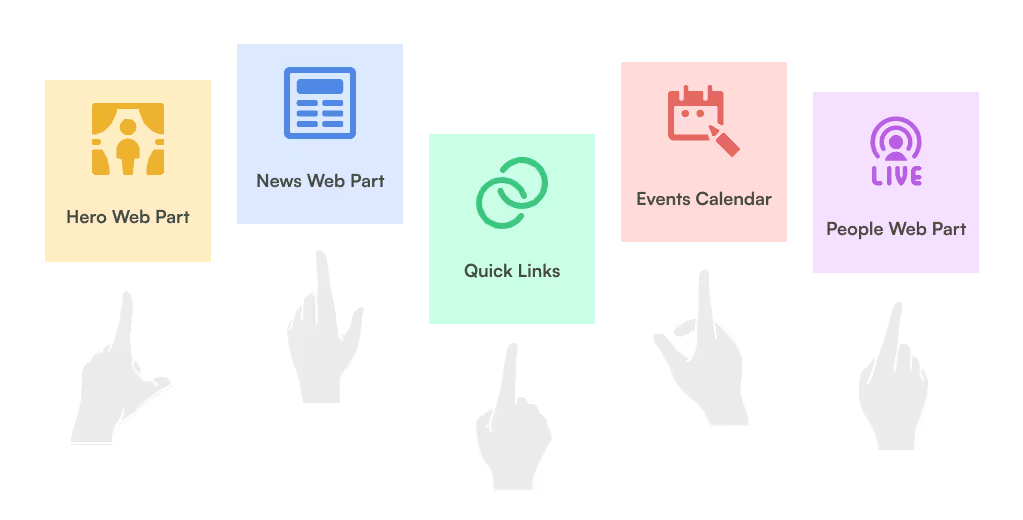
Use Out-of-the-Box (OOTB) and custom SharePoint web parts to surface important information:
- Hero Web Part: Feature announcements, department portals, or campaigns
- News Web Part: Company updates, events, and HR bulletins
- Quick Links: Direct access to frequently used tools or resources
- Events Calendar: Highlight upcoming meetings, holidays, and webinars
- People Web Part: Show key contacts or newly joined team members
3. Personalize Content with Targeting
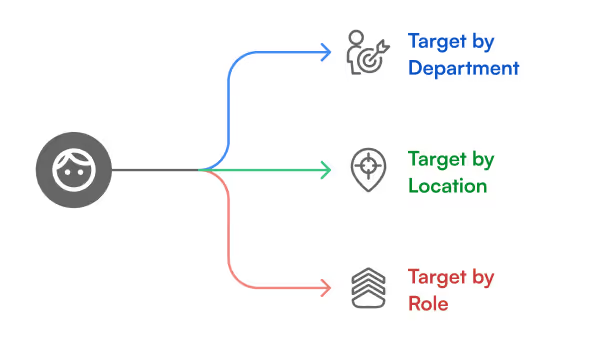
Leverage SharePoint’s audience targeting features to show content based on department, location, or role. This ensures employees only see what’s relevant to them, reducing clutter and improving relevance.
4. Design for Mobile & Accessibility
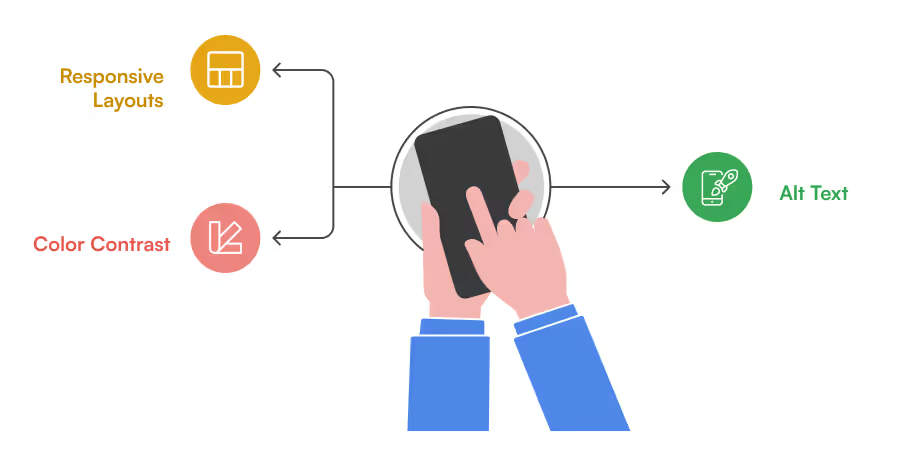
With hybrid work models, ensure your intranet is responsive and accessible:
- Use responsive layouts for mobile usability
- Add alt text to images
- Ensure color contrast meets accessibility standards (WCAG)
5. Use Branding to Reinforce Culture
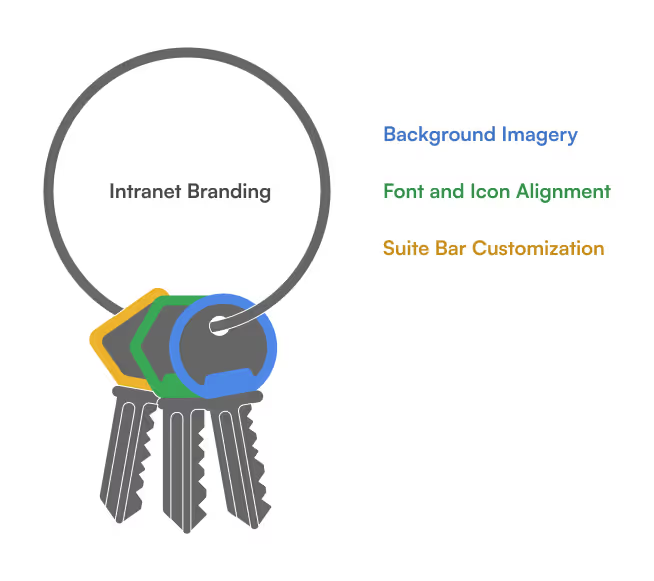
Your intranet should reflect your organization’s identity. Customize:
- Suite bar with logo and brand colors
- Fonts and icons aligned with your internal guidelines
- Background images or banners that highlight team culture
6. Include Dynamic, Fresh Content
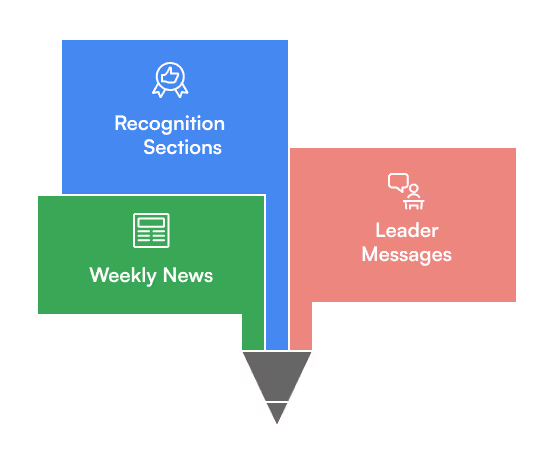
Stale content kills intranet engagement. Keep your homepage lively with:
- Weekly or monthly news
- Leader messages or video updates
- Recognition sections (birthdays, new hires, milestones)
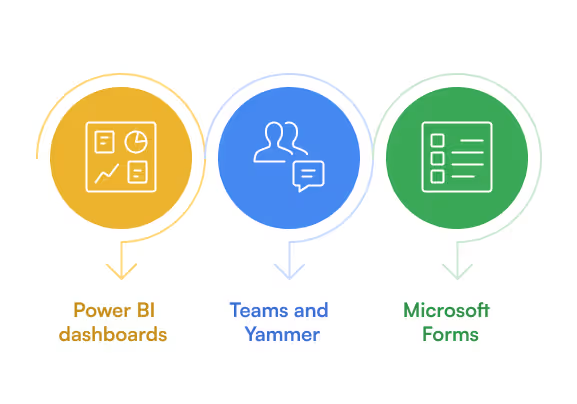
7. Integrate Microsoft 365 Tools
Connect your homepage with tools your teams already use:
- Embed Power BI dashboards
- Link to Teams channels or Yammer communities
- Integrate with Microsoft Forms for quick surveys or polls
8. Optimize Navigation
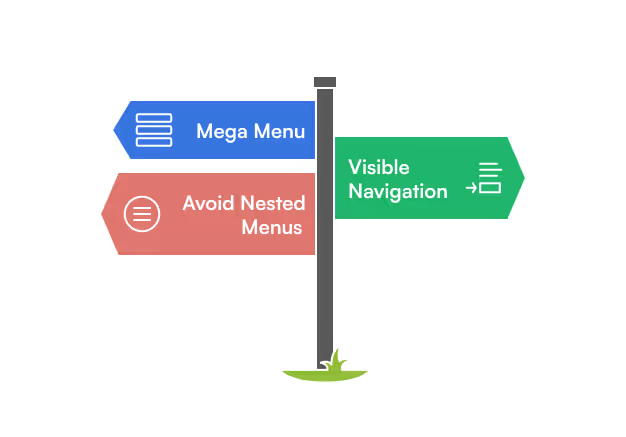
Good navigation helps employees find what they need fast:
- Use a mega menu or top nav with logical grouping
- Keep primary navigation visible
- Avoid too many subfolders or nested menus
9. Test and Iterate
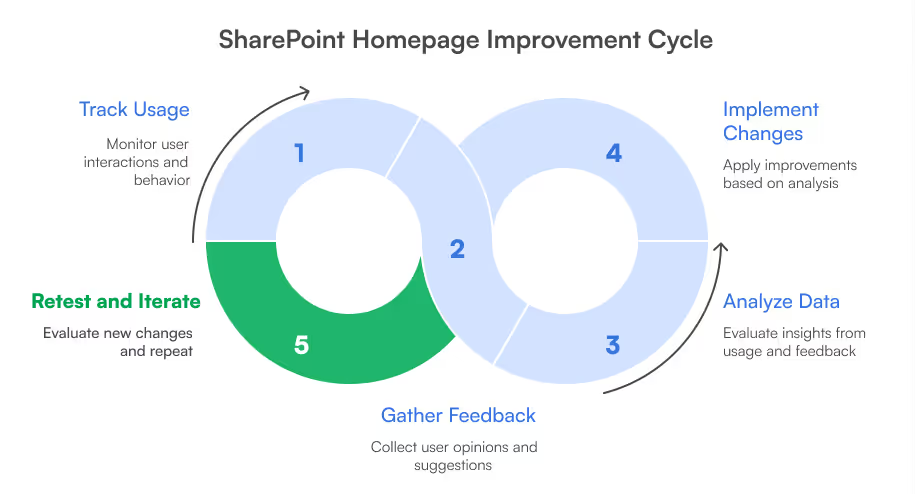
Don’t treat your homepage as a one-time project. Use analytics tools to track usage and behavior and gather feedback regularly to keep improving the experience.
10. Get Professional Support
If you’re unsure how to implement these best practices, consider working with SharePoint Designs. Our team specializes in building intuitive, brand-aligned SharePoint intranets that improve engagement and productivity from day one.

Ready to Elevate Your SharePoint Homepage?
Book a free 15-minute consultation to see how our ready-to-deploy SharePoint intranet templates can help your organization build a modern, user-first digital workspace.
faqs

Venkatesh Maran

Founder and CEO of SharePoint Designs, a Microsoft ISV with 6 products live on AppSource. We build products that solve the problems Microsoft left on the table. Intranets that people actually use. Document management systems that don't fight your workflows. Knowledge platforms that surface what matters. And now, AI agents built on Microsoft Copilot that take the repetitive work off your team's plate. Every product we build gets designed around your brand, your culture, and how your teams actually work. Trusted by enterprises across 23 countries, primarily in the US and Europe, with deep expertise in SharePoint, Power Platform, Microsoft Copilot, and Microsoft 365. Over 15 years in the ecosystem and still going. Our mission is simple: make work more fun.




.svg)