Published Date -

Explore Modern SharePoint Intranet Examples for 2024
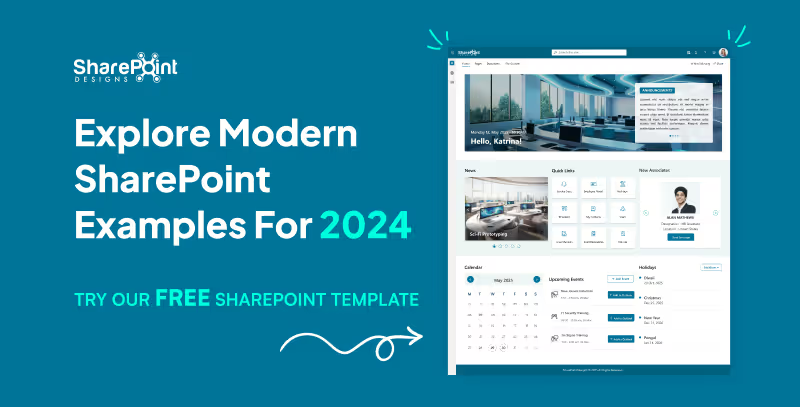
Modern design is crucial in today's digital environment, and this is especially true for SharePoint intranets. The design of these digital hubs is critical to user engagement and productivity enhancement. They are the cornerstone of internal collaboration and interaction within enterprises.
When it comes to intranet platforms, SharePoint is a global leader because it provides unmatched scalability, flexibility, and integration possibilities. Because of its many capabilities and easy interaction with third-party apps and Microsoft 365, it is the platform of choice for companies all around the world.
See these design principles in real intranets Browse the LookBook
Why Modern Design Matters for SharePoint Intranets
A modern SharePoint intranet is more than just a place to keep files and documents. It's an interactive platform that promotes information accessibility and user engagement. This is how your intranet will benefit from a modern design approach:
1. Elevate User Experience (UX)
Empower users to swiftly and efficiently access the resources they need through an intuitive interface and seamless navigation.
2. Boost Employee Engagement
A visually captivating and user-friendly intranet design encourages user adoption, fostering a sense of excitement with modern layouts and captivating imagery..
3. Maximize Productivity
Streamlined workflows and an intuitive information architecture empower employees to focus on their core responsibilities by simplifying the resource search process.
4. Foster Collaboration
Modern design elements inspire employee interaction and the exchange of knowledge, promoting a strong sense of community within the organization.
Download Your Free SharePoint Intranet Template
We’re offering a professionally designed SharePoint homepage template for FREE, so you can preview how a modern SharePoint intranet looks and feels before making any investment.
Download the Free Template Now
Included:
- A modern, user-friendly homepage
- Core components like News, Quick Links, and Events
- Mobile-ready layout
- Easy setup guide to help you get started
Benefits of Choosing Modern SharePoint Designs in 2024
1. Scalability and Customization
SharePoint intranets are designed to be highly adaptable, allowing companies of any size to tailor them to their specific needs, ensuring a personalized and efficient working environment.
2. Integration Capabilities
Seamless integration with third-party apps and Microsoft 365 results in a cohesive and interconnected digital workplace experience, streamlining workflows and improving productivity.
3. Advanced Security
SharePoint offers robust and comprehensive security features, providing a reliable shield for crucial organizational data, giving stakeholders the confidence that their information is well protected.
4. Cost-Effectiveness
SharePoint presents a cost-effective solution for comprehensive intranet needs when combined with other Microsoft 365 products, offering an affordable yet powerful collaboration platform for businesses.
Explore Our Modern SharePoint Lookbook and Schedule your free live demo
SharePoint Intranet Examples
Explore a deliberately chosen collection of the best SharePoint designs 2024 that work with SharePoint Online. These illustrations highlight SharePoint intranets' adaptability and offer ideas for a range of corporate environments.
Our intranet homepage is visually attractive and expertly developed, guaranteed to capture, and hold employees' attention.
Elevate Your Team’s Collaboration! Book a Call
Healthcare SharePoint Homepage Designs
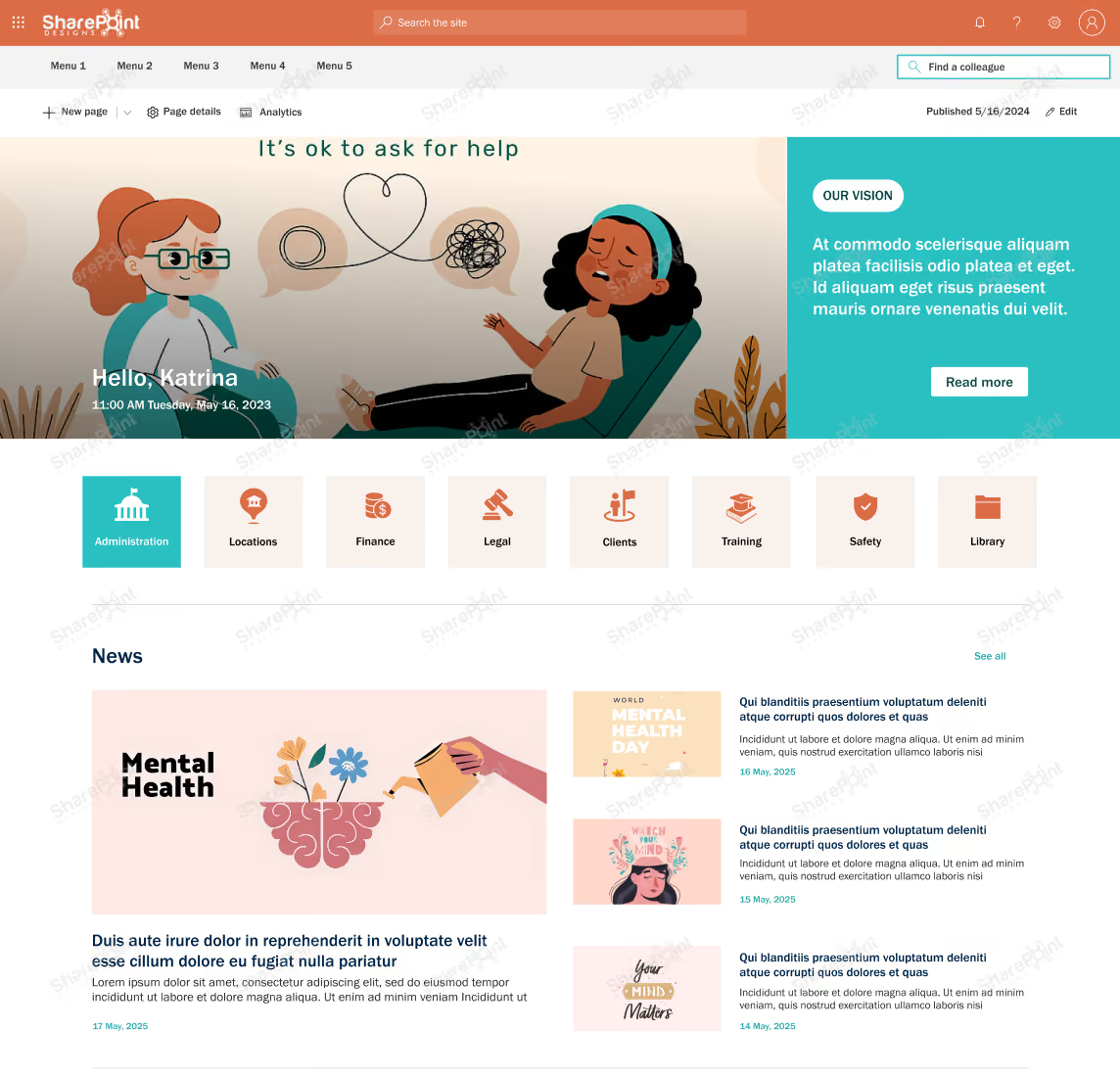
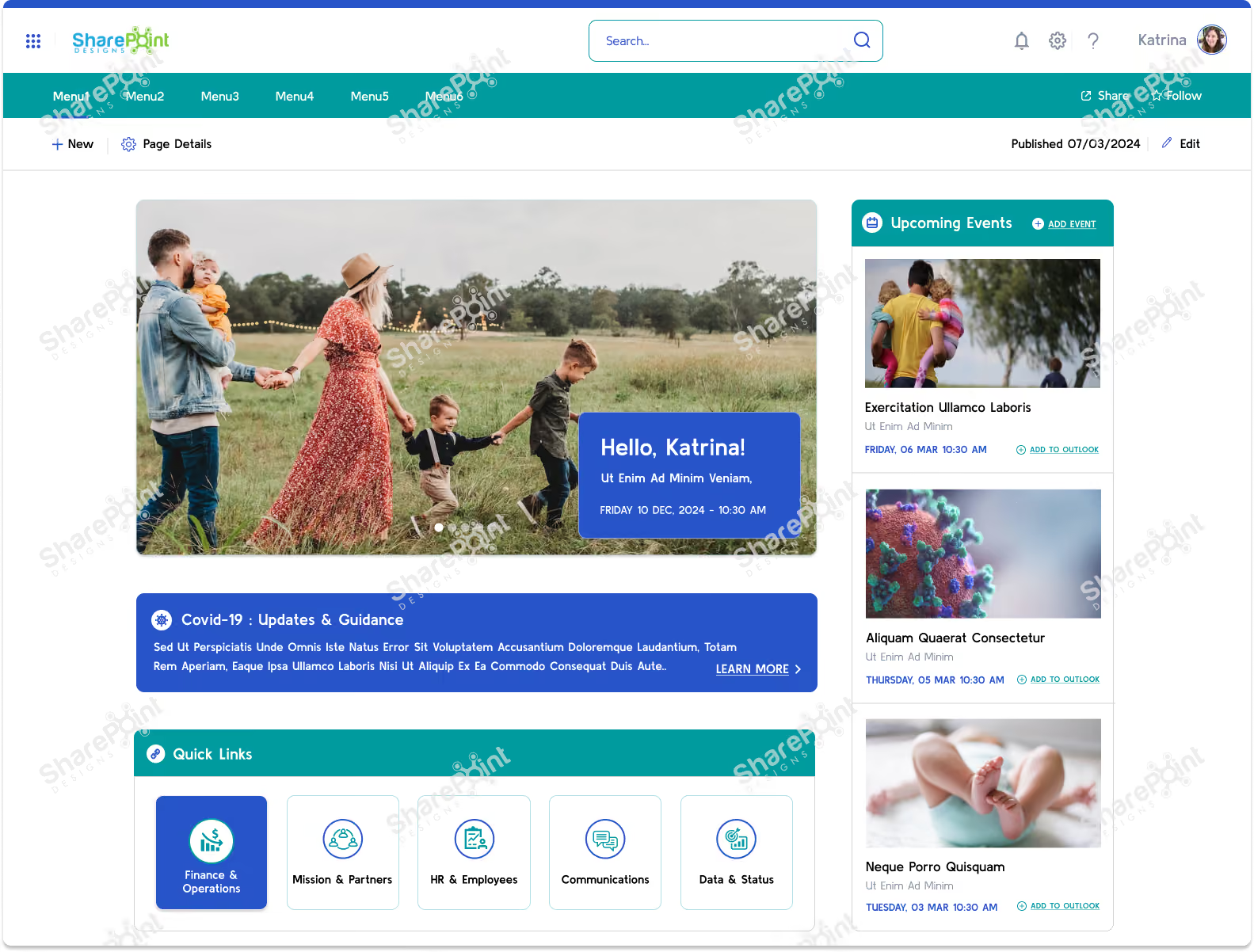
Find the Right Healthcare Template Explore the Store
A well-designed healthcare intranet, particularly with a modern and user-friendly homepage, offers a multitude of benefits for hospitals, clinics, and other healthcare organizations.
By implementing a modern healthcare intranet with a user-friendly homepage design, healthcare organizations can experience a wide range of benefits, ultimately leading to improved communication, collaboration, efficiency, and, most importantly, better patient care.
Explore our few modern healthcare SharePoint intranet homepage examples.
Real-Estate / Infrastructure SharePoint Homepage Design Examples
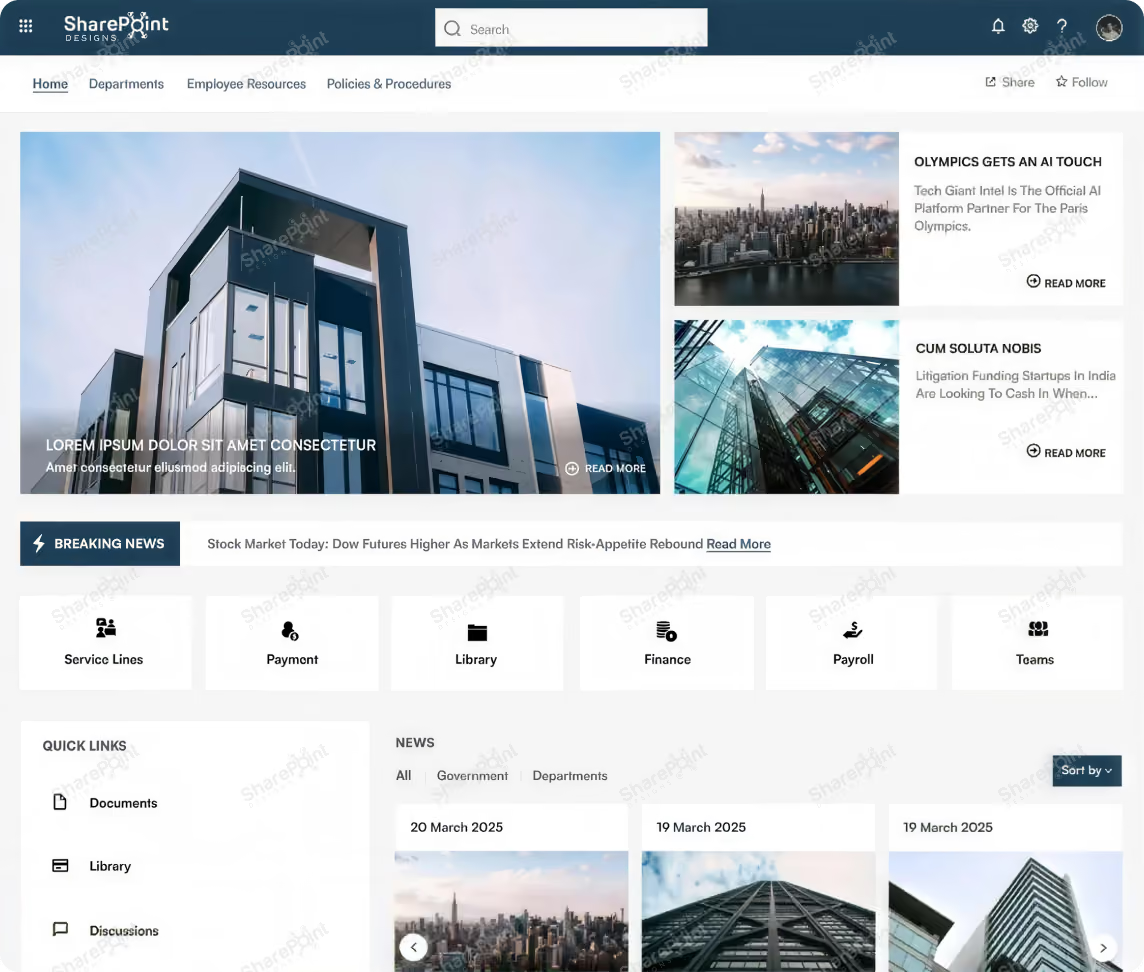

Forget outdated filing cabinets and scattered communication. Our modern real estate/infrastructure intranet with a killer homepage is your secret weapon to dominate project timelines and boost team collaboration.
Transport / Logistics SharePoint Homepage Design Example 1
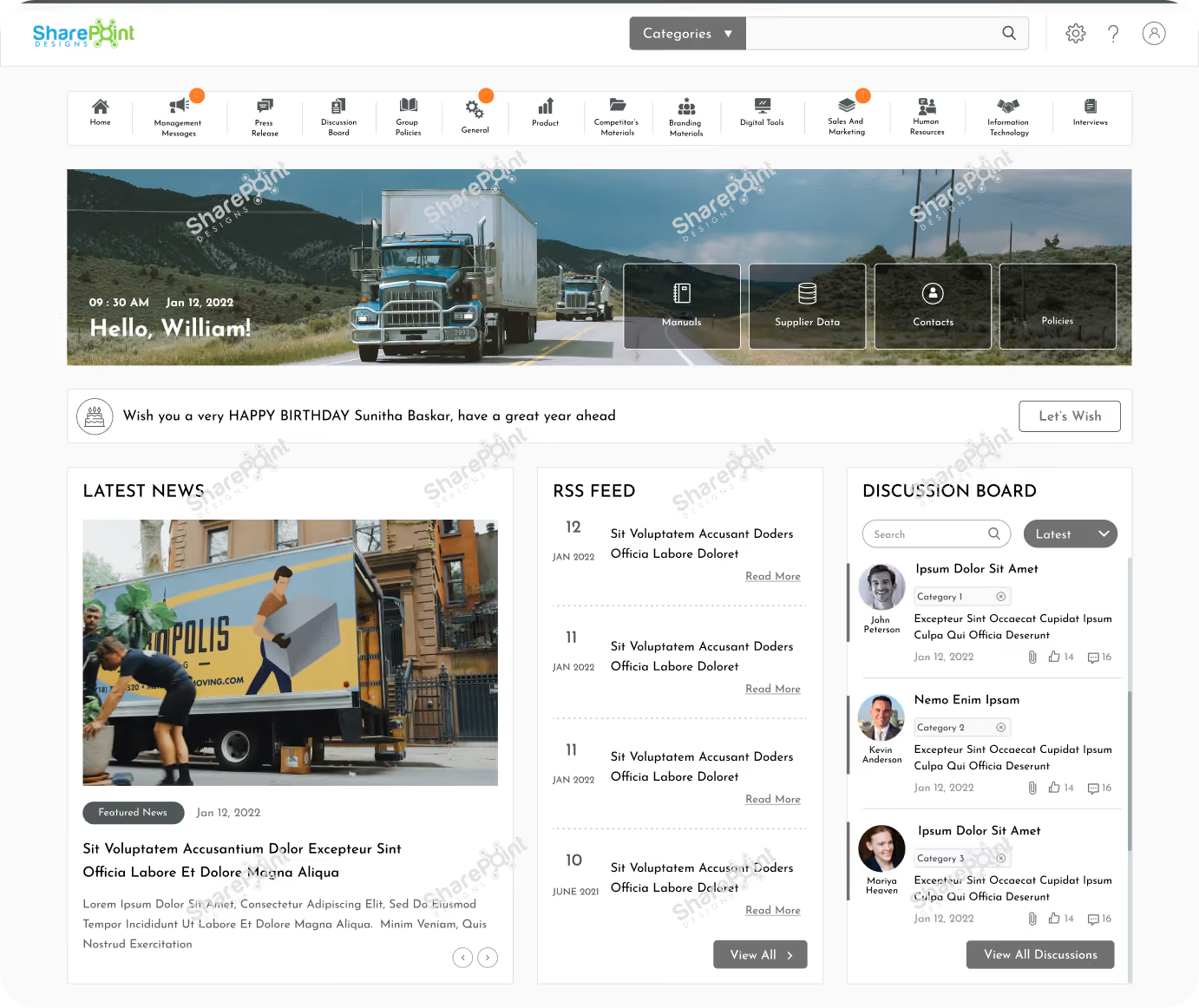
Transport / Logistics SharePoint Homepage Design Example 2

By implementing a modern transport and logistics intranet with a user-friendly homepage, you gain a significant edge. Improved visibility, streamlined communication, and readily accessible information empower your team to navigate the complexities of the supply chain with efficiency and precision. The result? Satisfied customers, a happy workforce, and a thriving logistics operation.
Environment / Sustainability SharePoint Homepage Design Example 1
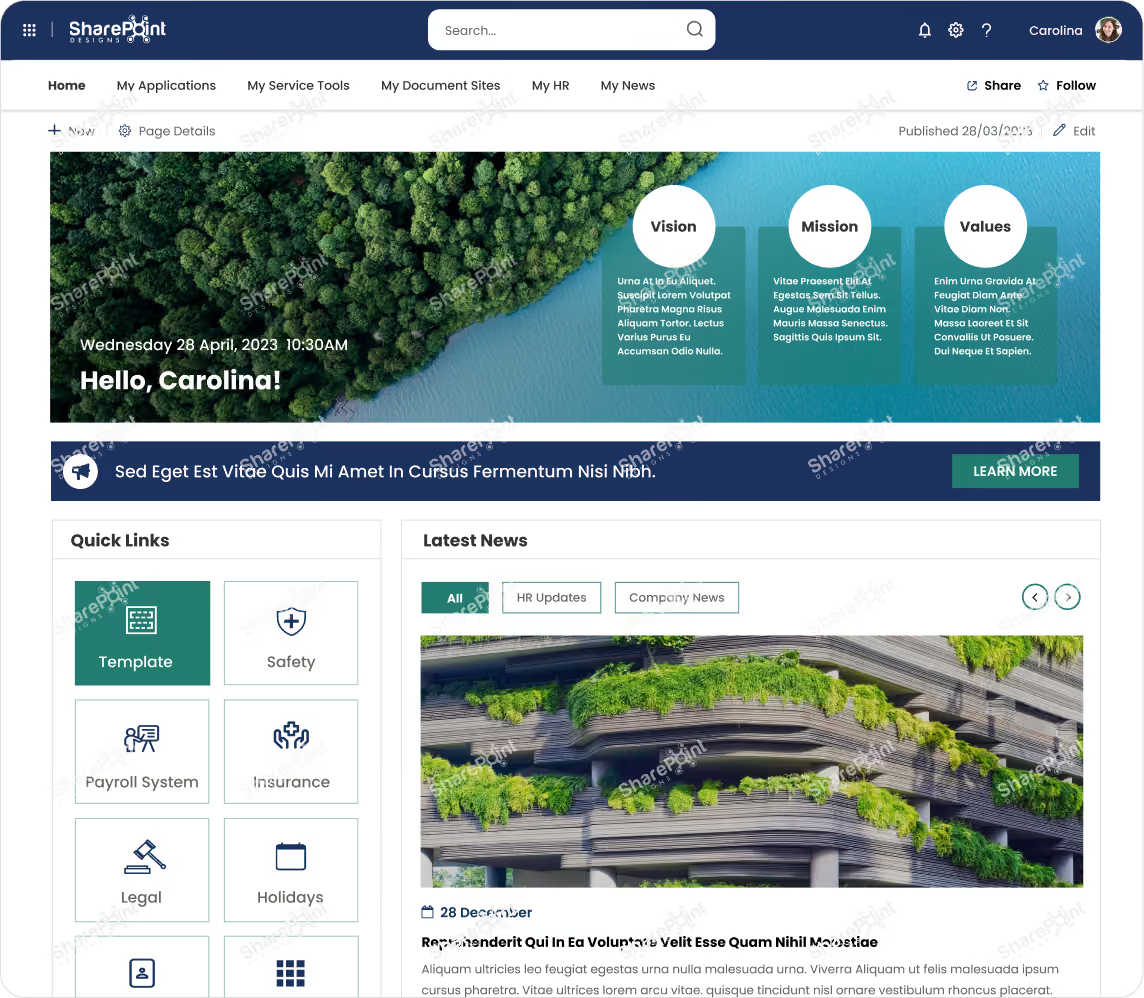
Environment / Sustainability SharePoint Homepage Design Example 2
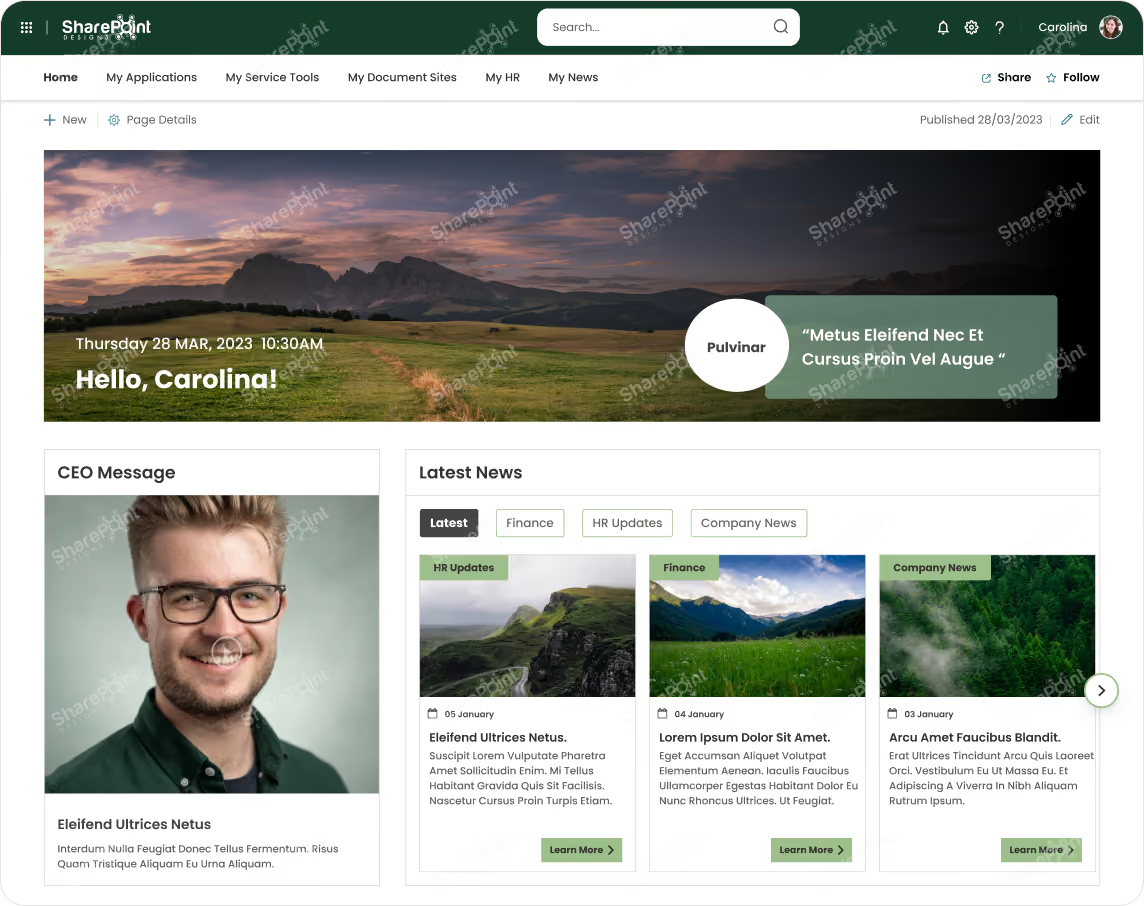
By fostering collaboration, tracking progress, and engaging employees, a modern intranet becomes your roadmap to a greener future. Together, you can cultivate a culture of environmental responsibility within your organization and make a lasting impact on the planet.
Digital Media SharePoint Homepage Design Example 1
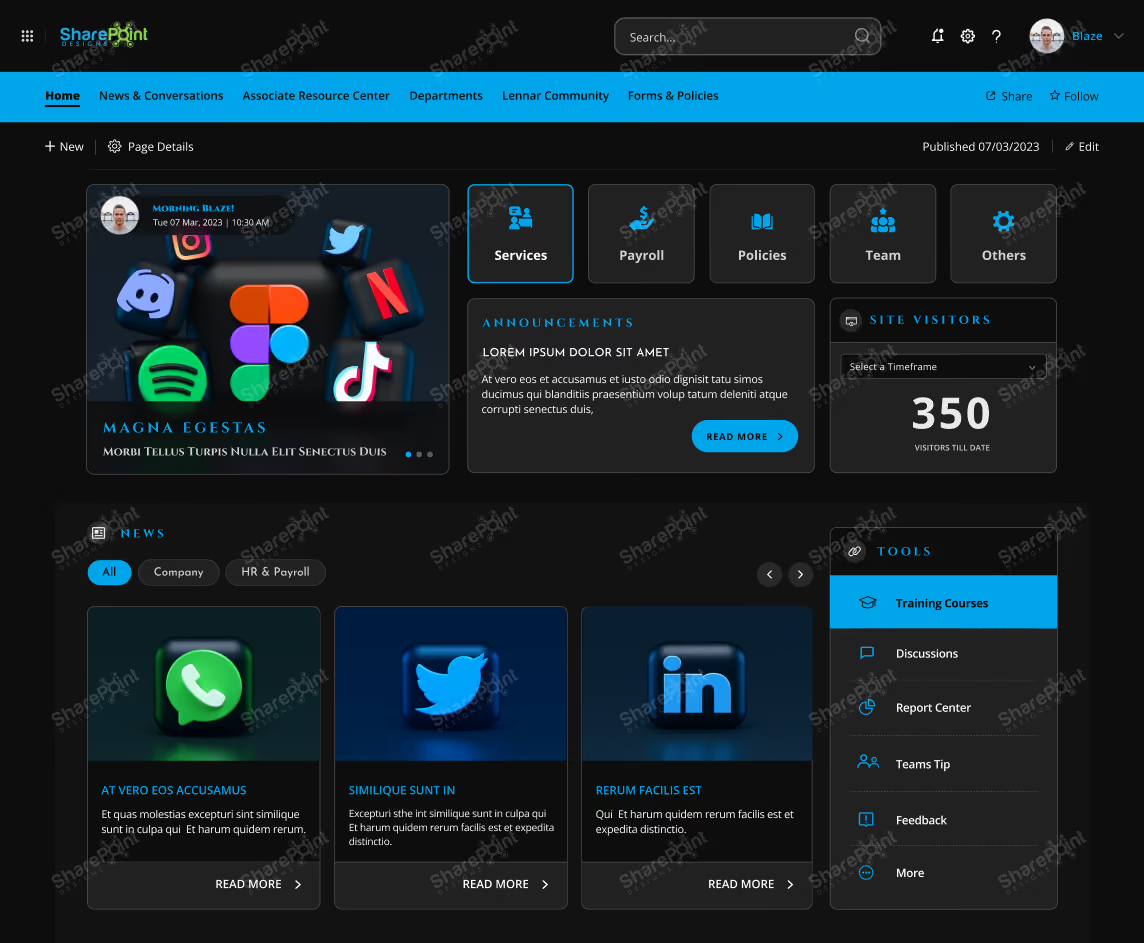
Digital Media SharePoint Homepage Design Example 2
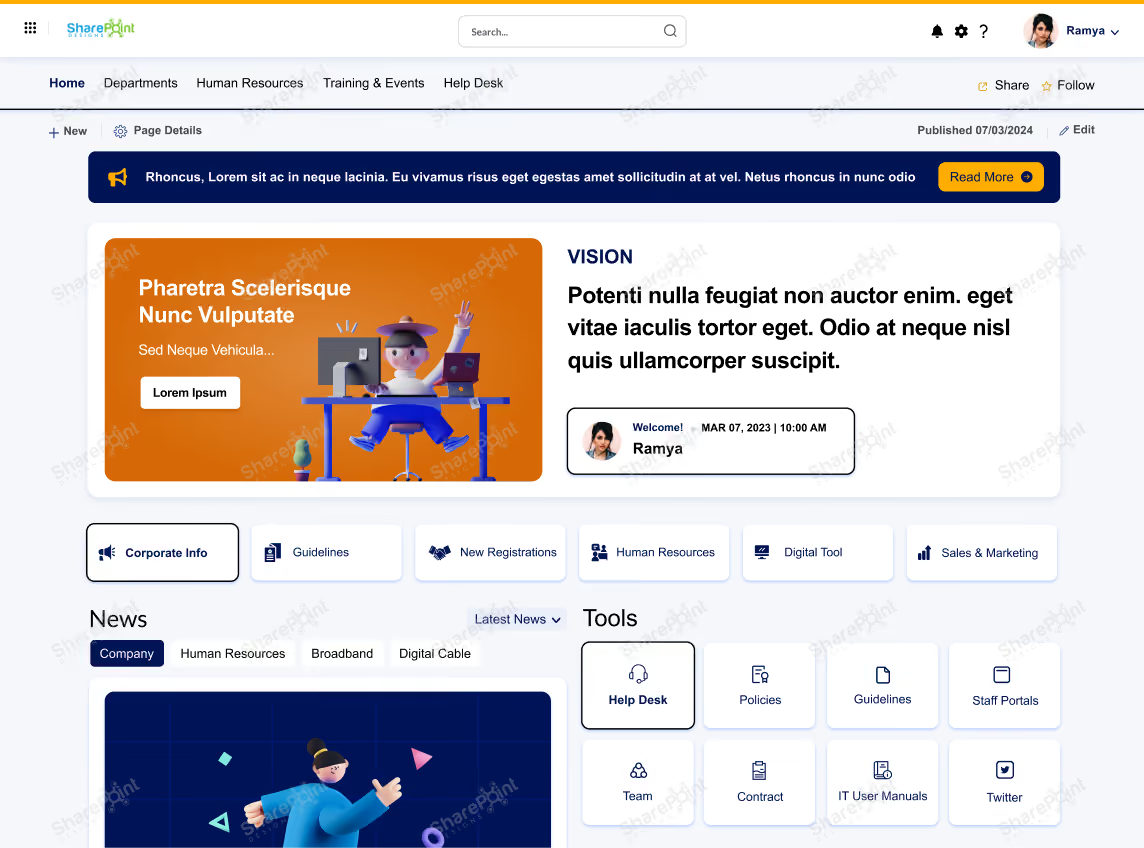
Please schedule a 30 min meeting to checkout our Trendy & Modern SharePoint Intranet designs fit to your business for FREE, Schedule your free live demo
AI Technology SharePoint Homepage Design Example
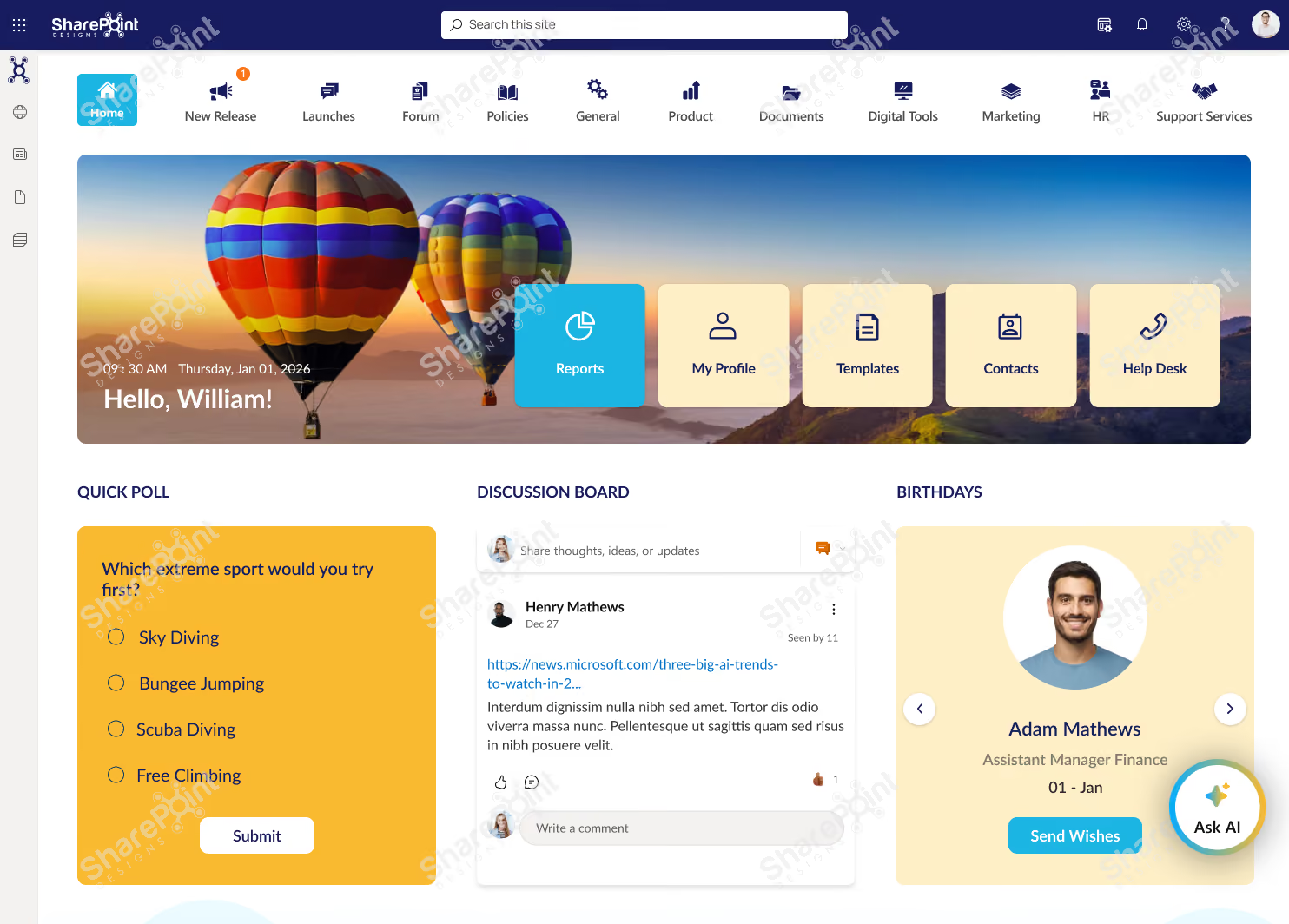
Need AI-powered search? Learn about Sangha
Consumer Electronics SharePoint Homepage Design Example

Grab Your Free SharePoint Template Instantly!
Concerns exist about the implementation timeline and potential challenges.
In conclusion, while the design aesthetics and the utility of integrations in these SharePoint examples are commendable, the true measure of their effectiveness lies in the implementation process. Ensuring that these examples can be seamlessly integrated into existing systems and workflows is crucial for maximizing their potential benefits.
A smooth implementation process not only enhances user adoption but also leverages the full capabilities of these sophisticated tools, ultimately leading to a more organized, efficient, and collaborative work environment. Thus, it is essential for organizations to focus on refining the implementation strategies to truly benefit from the beautiful designs and useful integrations these templates offer.
For expert guidance on SharePoint implementation and to ensure your project is successful from start to finish, don't hesitate to contact our team of SharePoint experts today! Our specialists are ready to assist you with customized solutions tailored to meet your specific needs, ensuring seamless integration and optimal performance of your SharePoint environment.
Related Products
Ready to unlock the power of a modern intranet?
Start building a collaborative and engaging digital workplace for your team. Streamline workflows, boost productivity, and watch your organization thrive!
Get in touch now to transform your SharePoint experience!
Additional resources:
faqs

Venkatesh Maran

Founder and CEO of SharePoint Designs, a Microsoft ISV with 6 products live on AppSource. We build products that solve the problems Microsoft left on the table. Intranets that people actually use. Document management systems that don't fight your workflows. Knowledge platforms that surface what matters. And now, AI agents built on Microsoft Copilot that take the repetitive work off your team's plate. Every product we build gets designed around your brand, your culture, and how your teams actually work. Trusted by enterprises across 23 countries, primarily in the US and Europe, with deep expertise in SharePoint, Power Platform, Microsoft Copilot, and Microsoft 365. Over 15 years in the ecosystem and still going. Our mission is simple: make work more fun.





.svg)