Published Date -

How Do You Stop Copilot Quoting Outdated Policies From SharePoint?
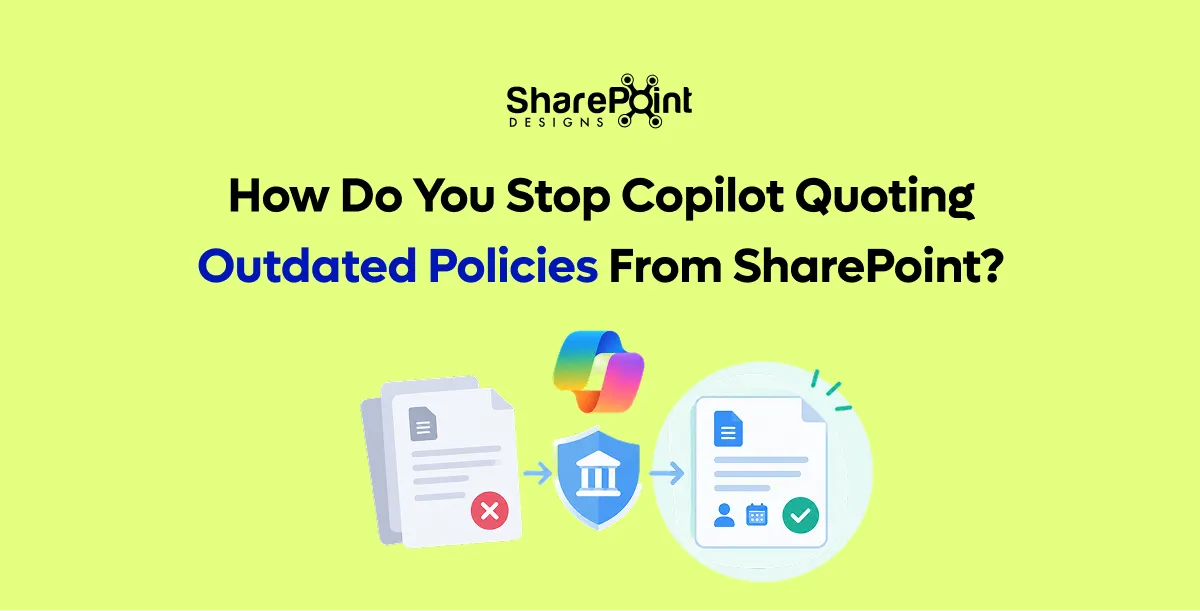
Quick Answer: Copilot quotes outdated policies because outdated copies are still in SharePoint and the user can still open them. You stop it with a content lifecycle. Every policy gets a named owner and a review date. Old versions are archived or removed from search. Inactive and ownerless sites are cleaned up, and restricted content discovery hides sites that should not feed answers.
Last updated: 10 October 2026
Content lifecycle management is the set of rules that decide when content is created, reviewed, archived and deleted. On a SharePoint intranet used with Copilot, it is the main control over answer quality. This guide covers the causes, the controls available in Microsoft 365 and a monthly review routine.
Why does Copilot quote outdated policies?
Copilot answers from content the user already has permission to open. It cannot reliably tell which of two similar documents is current. If "Travel Policy 2023" and "Travel Policy 2026" both sit in accessible libraries, either can appear in an answer. The cause is the content estate, not the AI model, so the fix is content governance.
Common causes:
- Old policy versions saved as separate files instead of versions of one file
- Copies of policies in Teams channels, personal OneDrive folders and email attachments
- Department sites with no owner, still holding years-old guidance
- Draft documents stored beside approved ones without clear labels
Our article on why Copilot returns the wrong document explains how Copilot grounding chooses sources.
What is a content lifecycle for SharePoint?
A content lifecycle for SharePoint is a defined path every important page or document follows: draft, approved, published, reviewed, then archived or deleted. Each stage has an owner and a date. The lifecycle makes sure that only one current, approved version of each policy is visible, and that older versions leave everyday search.
Our guide to document control in SharePoint covers the approval stages for regulated documents.
How do you set owners and review dates on SharePoint content?
Add two columns to every policy library and site pages library: owner and next review date. Then use a Power Automate flow to remind owners 30 days before the review date and again on the date. Content past its review date should be flagged on the page, so readers and editors can see it may be out of date.
- Add columns. Owner (person) and next review date (date) on each library.
- Fill them. Assign every existing policy and key page before switching on reminders.
- Create the reminder flow. Notify owners 30 days before review and on the review date.
- Escalate. Notify the intranet owner when a page is 30 days overdue.
- Report. Show overdue items on a dashboard each month.
Our post on SharePoint automated reminders and alerts shows how to build the reminder flow.
How do you archive old policy versions so Copilot ignores them?
Keep one file per policy and use SharePoint version history for changes, instead of saving new files for each year. Move genuinely superseded documents to an archive site with restricted access, or apply retention labels that keep them for records. If a site must stay readable but should not feed Copilot, use restricted content discovery.
Archiving options in Microsoft 365:
- Version history. One file per policy, with earlier versions kept inside it.
- Archive site. Superseded documents moved to a site only records staff can open.
- Retention labels. Microsoft Purview keeps records for the required period.
- Microsoft 365 Archive. Moves inactive sites to lower-cost storage, out of everyday use.
Our guide to Microsoft Purview retention for SharePoint documents explains how to set retention periods.
Which SharePoint Advanced Management features help keep Copilot answers current?
SharePoint Advanced Management (SAM) adds policies that find and fix stale or ownerless content. Microsoft makes key SAM features available once an organisation has at least one Microsoft 365 Copilot licence. These include inactive site policies, site ownership policies, site attestation, content management assessment and restricted content discovery.
Source: Microsoft Learn, SharePoint Advanced Management features with Microsoft 365 Copilot licences, reviewed October 2026.
What does a before-and-after Copilot answer look like?
Before a content lifecycle, Copilot may answer a travel question with a mix of old and new rules, citing an outdated file. After clean-up, the same question returns one answer that cites the current policy. The model did not change. The content did. This is why content governance usually improves answers more than changing tools.
Question: "What is the daily meal allowance for domestic travel?"
The allowance values are omitted because they vary by organisation. The pattern is what matters.
What monthly routine keeps SharePoint content Copilot-ready?
A 60-minute monthly routine keeps content Copilot-ready. The intranet owner reviews overdue pages, ownerless sites, top failed searches and any wrong Copilot answers reported by staff. Each issue goes to a named owner with a due date. Over a few months, this routine prevents the gradual build-up of outdated content.
- Overdue reviews. Send the list to owners.
- Ownerless and inactive sites. Act on SAM policy results.
- Failed searches. Fix or create the content behind the top ten.
- Reported wrong answers. Trace each to its source document and correct or archive it.
- Duplicates. Merge any new duplicate policies found.
DocVault adds approval workflows, review reminders and version-specific acknowledgement to SharePoint document libraries. Our AI-ready SharePoint score shows where your content stands today.
faqs

Shantha Kumar


Shantha Kumar is a Chief Technology Officer (CTO), Microsoft MVP, and Solution Architect with extensive experience building secure, scalable solutions on Microsoft 365, SharePoint, SPFx, Power Platform, and Azure. He leads SaaS-focused engineering teams and actively shares practical insights as a global community speaker and author.








.svg)





