Published Date -

Top SharePoint Custom Features That Improve Productivity
SharePoint remains one of the most versatile platforms for internal communication, document management, and team collaboration. However, SharePoint delivers its true value only when it is customized to reflect the unique workflows and structure of your organization. With the right enhancements and guidance from professional SharePoint consulting services, your intranet can become a productivity powerhouse.
As a digital workplace consultant with hands-on experience implementing SharePoint for diverse industries, we have seen how the right features can transform productivity. Below are the top customizations that consistently deliver measurable results.
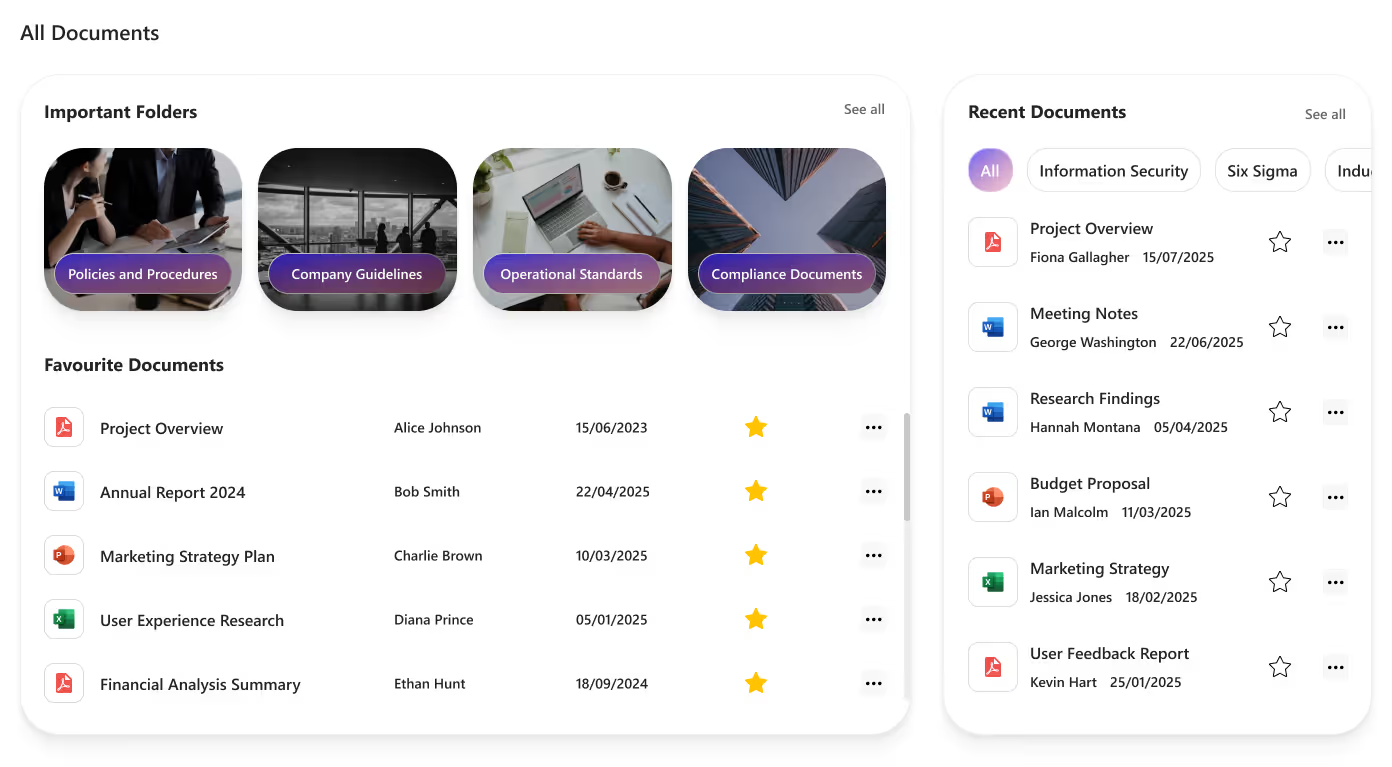
1. Custom Document Libraries With Smart Rules
A traditional file system often comes with problems like duplication, outdated information, and poor searchability. SharePoint’s custom document libraries solve these challenges with structured metadata, automated rules, and strict version control.
Benefits include:
- Organized content using metadata and filters
- Fewer duplicated files
- Transparent document history and version tracking
- Custom approval workflows
- Department-level permission control
Organizations using structured libraries report up to 30% faster document retrieval, saving hours every week.
2. Customizable Intranet Sub Pages and Web Parts
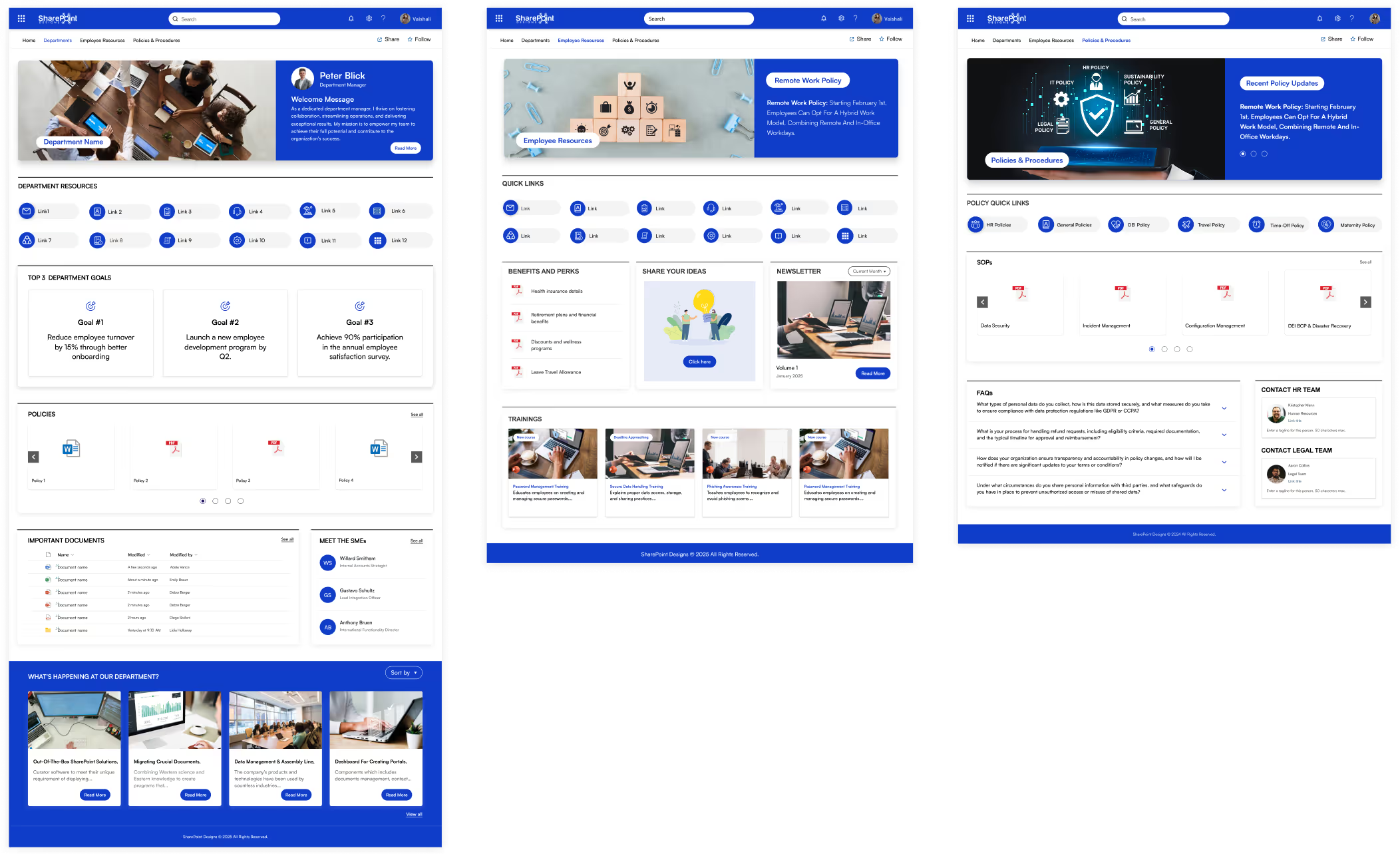
With modern SharePoint updates, building intranet pages is easier and more flexible. Users can arrange content using drag-and-drop layouts, custom web parts, reusable sections, and branded intranet templates.
Best use cases:
- HR information hubs
- Employee self-service pages
- Department portals
- Leadership announcement pages
This allows organizations to present information in a visually consistent and engaging format.
Pro tip: Start with professionally designed SharePoint intranet templates for speed and consistency.
3. Integrations With Microsoft 365 and Business Applications
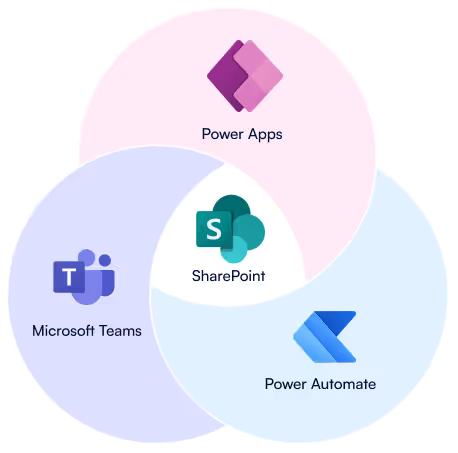
SharePoint integrates seamlessly with Microsoft Teams, Outlook, Power Automate, PowerApps, and third-party business systems. This creates a unified workspace where teams can access all essential tools without switching platforms.
Practical integration examples:
- Automated notifications sent to Teams
- Forms that feed directly into SharePoint lists
- PowerApps apps for incident reporting and approvals
- CRM or HRMS integration for centralized data access
With proper configuration from an experienced SharePoint consultant, these integrations reduce manual effort and improve workflow efficiency.
4. Custom Dashboards for Leadership and Teams
Dashboards provide clarity by consolidating important information on a single page. SharePoint can host custom dashboards for various departments, helping users focus on what matters.
Examples:
- HR dashboards showing new hires, policy updates, and task lists
- Sales dashboards with KPIs, sales collateral, and announcements
- Operations dashboards with SOPs, tasks, and service updates
- Project dashboards with timelines, risks, and resource allocation
Role-based permissions ensure employees only see what is relevant to them.

5. Automated Workflows with Power Automate
Automation remains one of the most impactful ways to improve productivity. Even simple workflows can save hours each month.
Common automations include:
- Content approval flows
- Automatic email reminders
- Document archiving based on metadata
- Onboarding task assignments
- Request and ticket routing
Companies adopting automation report up to 40% reduction in manual administrative work, freeing teams for strategic tasks.

6. AI-Enabled Content Tagging, Search Enhancements, and Summaries
Recent Microsoft updates include AI features that improve how employees find and consume information. SharePoint can now:
- Auto-tag documents
- Suggest relevant content
- Generate summaries for long files
- Optimize enterprise search results
These features help reduce clutter and improve information retrieval speed across the organization.
7. Ready-Made SharePoint Intranet Templates for Faster Deployment
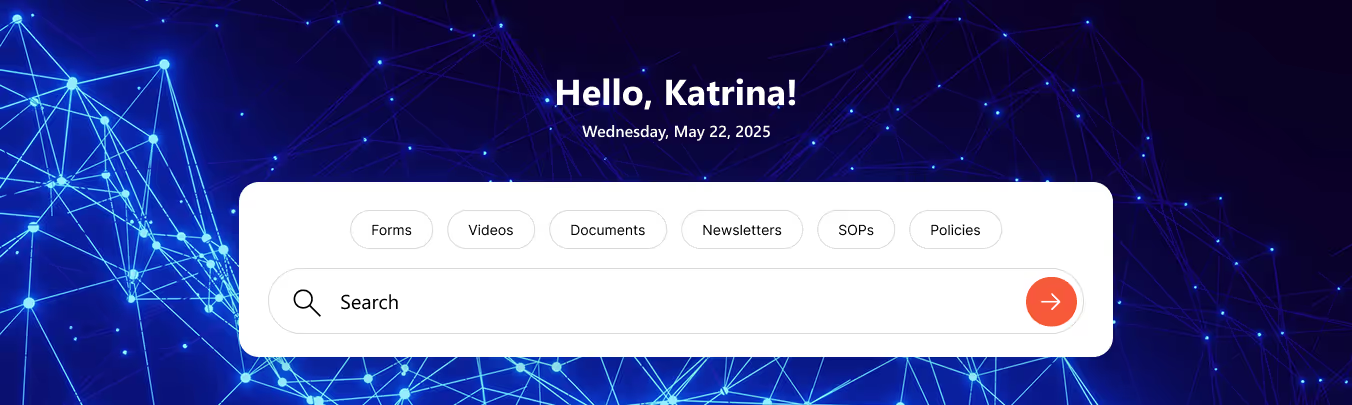
Professionally designed SharePoint intranet templates allow organizations to launch a modern intranet quickly while maintaining flexibility for customization. Templates ensure consistent design, structured navigation, and mobile-friendly layouts.
Benefits include:
- Faster implementation
- Lower development costs
- Consistent branding
- Ready-made layouts for common intranet pages
Templates provide a strong start, and additional customizations can be handled by expert SharePoint consulting services.

What These Custom Features Deliver
Customizing SharePoint effectively can lead to the following advantages:
- Improved communication across departments
- Faster document retrieval and reduced duplication
- A structured workflow environment
- Enhanced employee engagement
- A scalable digital workplace that grows with your organization
Most organizations experience measurable productivity improvements within the first quarter of implementation.
Ready to Build a More Productive SharePoint Environment?
Improving productivity begins with the right structure, integrations, and custom features. Our team specializes in SharePoint consulting services, custom development, and professionally designed SharePoint intranet templates to help organizations build a smarter digital workplace.
faqs

Venkatesh Maran

Founder and CEO of SharePoint Designs, a Microsoft ISV with 6 products live on AppSource. We build products that solve the problems Microsoft left on the table. Intranets that people actually use. Document management systems that don't fight your workflows. Knowledge platforms that surface what matters. And now, AI agents built on Microsoft Copilot that take the repetitive work off your team's plate. Every product we build gets designed around your brand, your culture, and how your teams actually work. Trusted by enterprises across 23 countries, primarily in the US and Europe, with deep expertise in SharePoint, Power Platform, Microsoft Copilot, and Microsoft 365. Over 15 years in the ecosystem and still going. Our mission is simple: make work more fun.




.svg)