Published Date -

Classic vs. Modern SharePoint Sites - What’s Best for Your Organization?
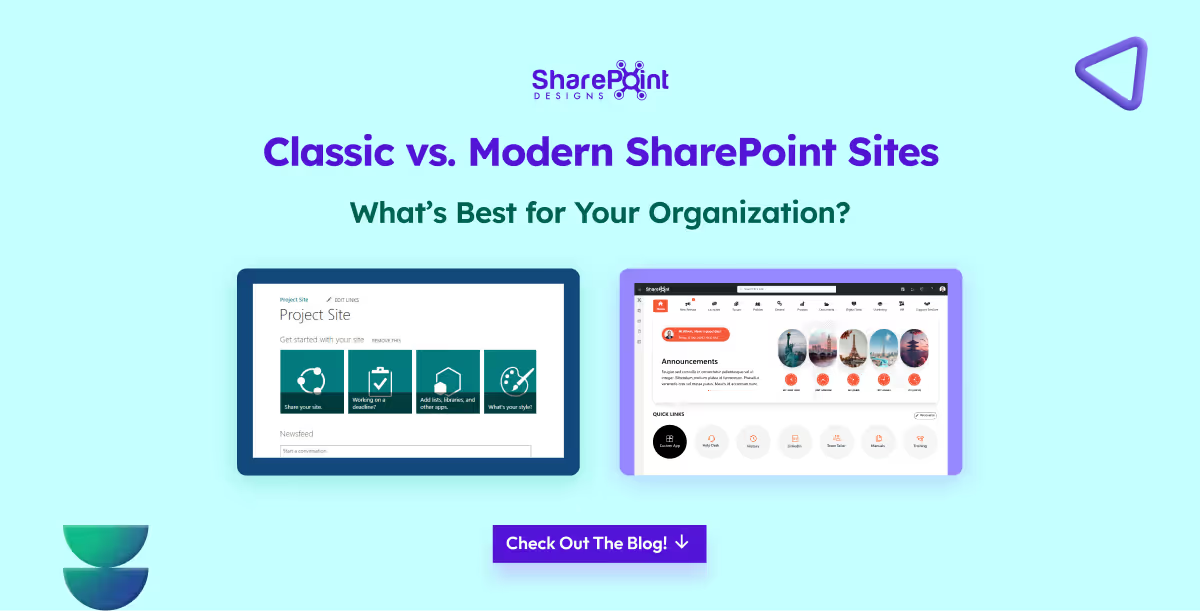
For nearly two decades, SharePoint has been at the core of enterprise collaboration, document management, and intranet solutions. Over time, it has evolved from the Classic SharePoint experience to today’s Modern SharePoint experience.
Many organizations now face a common question: Should we continue with Classic sites, or transition to Modern sites?
The decision is not as simple as flipping a switch, it depends on your existing environment, level of customization, user adoption needs, and your digital transformation strategy. Let’s explore both approaches in depth to help you make the right choice.
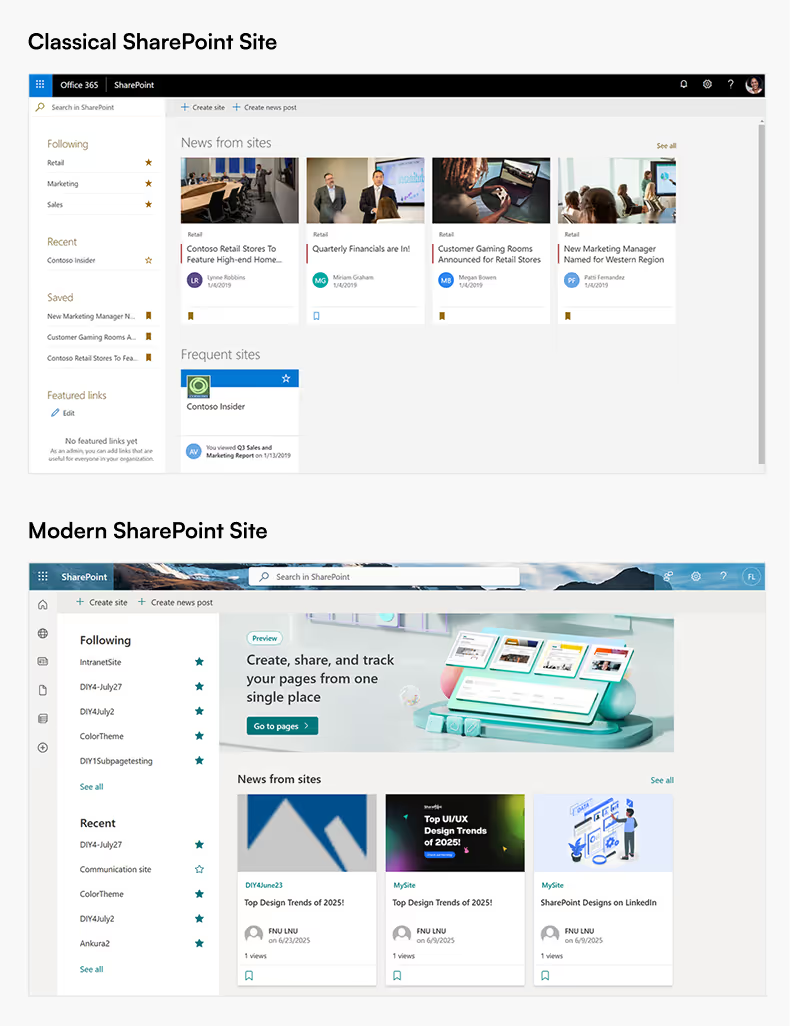
What are Classic SharePoint Sites?
Classic SharePoint sites represent the long-standing interface that many enterprises have relied on for years.
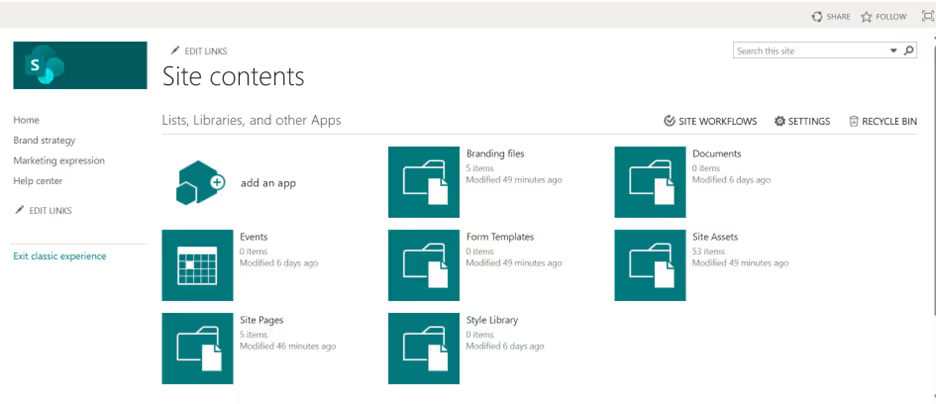
Key Characteristics:
- Traditional User Interface: A familiar, structured layout that legacy SharePoint users know well.
- Extensive Customization: Supports master pages, page layouts, and script injection, giving developers granular control.
- Legacy Tools: Compatible with SharePoint Designer workflows and InfoPath forms, which are still critical in some organizations.
- Detailed Control: Offers deep configuration options for site navigation, branding, and permissions.
Challenges with Classic Sites:
- Outdated, less intuitive design compared to modern web standards.
- Limited responsiveness for mobile users.
- Heavy reliance on custom development, increasing maintenance costs.
- Only maintained for compatibility, no new features are being developed for Classic.
What are Modern SharePoint Sites?
Modern SharePoint sites were designed to deliver a simpler, faster, and mobile-first experience. They align closely with Microsoft’s cloud-first vision and integrate tightly with Microsoft 365.

Key Characteristics:
- Responsive Design: Works seamlessly across desktops, tablets, and mobile devices without extra customization.
- Engaging Page Experience: Built with modular webparts that users can easily add or rearrange.
- Microsoft 365 Integration: Native connections with Teams, OneDrive, Viva, and Power Platform.
- Performance and Security: Faster loading pages and more robust security controls.
- Continuous Innovation: All new SharePoint features such as Viva Connections dashboards and modern web parts are released only in the Modern experience.
Challenges with Modern Sites:
- Branding is limited compared to Classic, no master pages.
- Some complex legacy customizations require redevelopment using SharePoint Framework (SPFx).
- Older tools like InfoPath and Designer workflows are not directly supported.
When to use Classic Sites
- You rely heavily on custom master pages or page layouts.
- Your business processes depend on legacy workflows or InfoPath forms.
- Redesigning existing customizations for Modern is not currently feasible.
When to use Modern Sites
- You want a mobile-friendly, user-friendly intranet.
- Your organization is adopting or already using Microsoft 365 services.
- You want to empower business users to create and manage sites without IT involvement.
- You are planning for a future-proof digital workplace with Microsoft’s latest innovations.
Migration Considerations
Transitioning from Classic to Modern is not automatic, it requires thoughtful planning.
1. Audit Current Sites: Identify where Classic features (workflows, scripts, custom branding) are in use.
2. Adopt SPFx: Rebuild custom components using the SharePoint Framework for Modern compatibility.
3. Leverage Power Platform: Replace Designer workflows with Power Automate and InfoPath forms with Power Apps.
4. Plan Change Management: Provide user training and adoption strategies to ensure a smooth transition.
Final Thoughts
Classic SharePoint sites will continue to be supported, but they are becoming a legacy option. All of Microsoft’s ongoing investments, security updates, and new capabilities are focused on the Modern experience.
For most organizations, the Modern approach is the better choice. It delivers a more engaging design, improved performance, stronger Microsoft 365 integration, and long-term sustainability. Classic sites still serve a purpose where legacy systems exist, but if your goal is to build a future-ready digital workplace, Modern SharePoint should be your destination.
In summary:
- Classic = legacy and stability, but limited growth.
- Modern = innovation, usability, and long-term value.






.svg)