Published Date -

4 Tips for making a Great First Impression in Design

In an age where digital interactions define user experiences, creating a strong first impression in UI/UX design is critical. As a seasoned designer with over 6 years of experience and numerous successful projects under my belt, I understand that users, much like judges, form opinions within seconds. Implementing design strategies that resonate with human judgment not only captivates users but establishes trust and credibility from the get-go.

Summary
This article presents four ways to craft a strong first impression in UI/UX: use clean, visually appealing layouts; engage users with interactive, personalized touches; make interactions effortless through consistency, smart defaults, and clear error handling; and prioritize action with continuous feedback, collaboration, and testing. The focus is on clarity, convenience, and empathy so users feel understood, confident, and in control from the first interaction.
1. Looks Matter
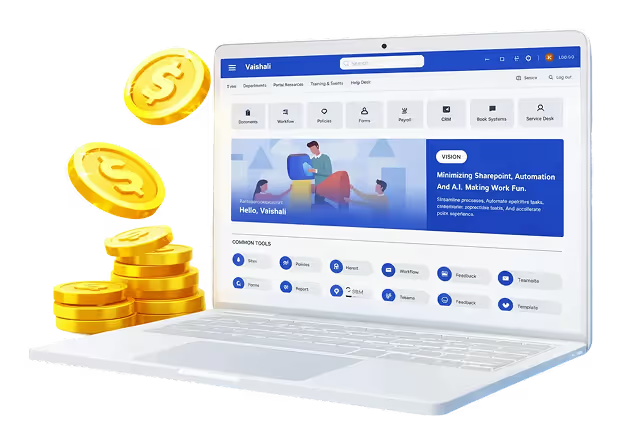
Just like we notice someone's appearance, the visual appeal of a digital interface is crucial. A clean and uncluttered design, like the below website, should grab attention and make it easy for users to find what they need.
By keeping things neat and focusing on what's needed, designers make users feel comfortable and in control.
Research shows that users make judgments about a website's aesthetic within 0.05 seconds. A clean, uncluttered design allows users to navigate easily and discover content efficiently. Consider brands like Notable Brand that have redefined their interfaces to prioritize clarity

2. Engage Users
Like how we connect with people based on their behavior, interactive features in your design influence how users feel and act.
Personalization is not just a buzzword; studies reveal that user engagement increases by 27% when content is tailored (source: Relevant Study). Features such as browsing history suggestions and location-based content drive emotional connections, showcasing that a brand truly understands its audience.
These personalized touches make users feel understood and valued.

3. Make Things Easy
Just as clear thinking inspires confidence, interfaces that are Easy, simple, convenient, and fast to use will make a great first impression on the user.
Incorporating relevant icons, consistency in layout and spacing, maintaining a similarity between related elements. Design tools like Adobe XD and Figma facilitate the creation of intuitive user journeys, ensuring consistency across layouts. Additionally, implementing features such as autofill and predictive text significantly enhances user experience by minimizing errors and saving time.
For a truly impactful user experience, consider professional UI/UX design services. Contact us to discuss your project!

4. Focus on Actions
User-centered design isn’t a one-time task; it’s an ongoing process. By actively soliciting feedback and conducting A/B testing, designers gain valuable insights that inform future iterations. As design thought leader once said, 'Great design isn’t just about aesthetics; it’s about listening to your users.

Conclusion
In design, making a first impression is vital. By keeping things visually appealing, engaging users, making things easy, and focusing on actions, designers can create interfaces that users love right from the start. Like how we judge people, users assess digital interfaces based on look and work. By mastering these simple techniques, designers can give users a positive first impression of their design.
Ready to level up your UI/UX game?
These 4 tips will help you craft interfaces that make a lasting first impression and keep user engagement skyrocketing.
For an even deeper dive into user-centric design, check out our collection of SharePoint Intranet templates.
You may also like:
Cultural Sensitivity in UI/UX Design: A Global Perspective
Nature-Inspired UI/UX: Harnessing Biophilic Design for Enhanced User Experience
faqs

Agalya Thangaraj

Agalya Thangaraj is a UI/UX Designer, Intranet design specialist and Webflow Developer with over 6+ years of experience creating user-focused digital products. She specializes in UI/UX design and Webflow website development, delivering intuitive and responsive experiences. She is known for simplifying complex ideas into clear, high-impact user experience






.svg)