
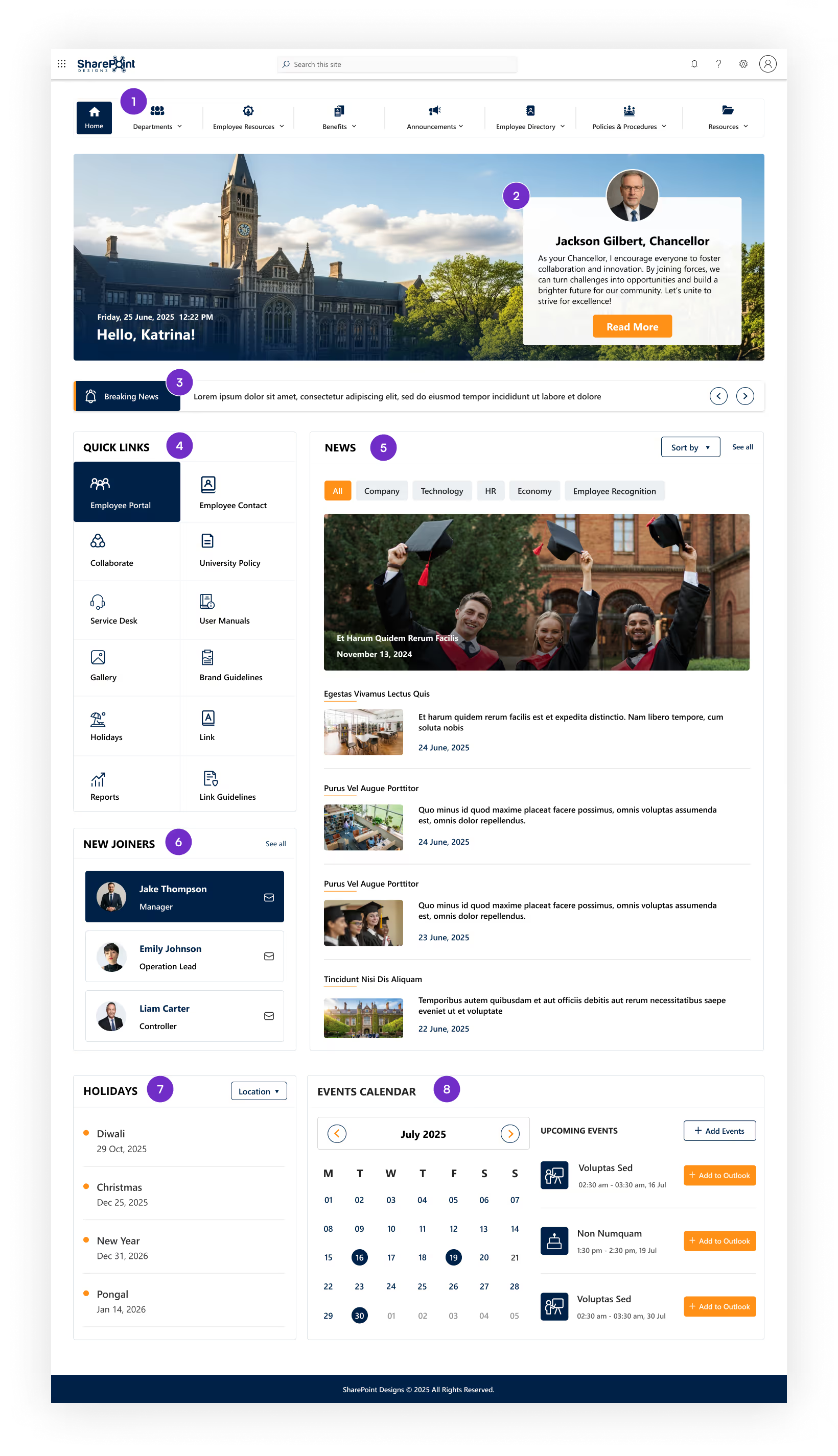

Trusted Framework: Our template is developed using Microsoft's SharePoint Framework (SPFx), ensuring compatibility and reliability within your SharePoint environment.

No Data Transmission: Once installed on your tenant, our packages do not send any data back to us. All your information remains secure and confined within your own intranet.

Data Protection: All information is secured within your intranet, leveraging SharePoint's robust security features to protect your organization's data.

Yes, adjust colors, fonts, and layouts to match your branding.
Absolutely! Multilingual configurations are supported.
Yes, integrates with various tools and applications.
Our template is built with Microsoft Standard SPFx.
Once installed on your tenant, all data remains within your intranet,
and no information is sent back to us.
Yes, we offer support for installation and customization.

Awards & Recognition



.svg)

Certified & Compliant



SharePoint Designs is a leading provider of Microsoft ecosystem services covering apps, intranets, and other digital gateways. We offer out-of-the-box SharePoint development, implementation, migration, and maintenance solutions to build or increase business resilience, operational excellence, and employee productivity. Some of our SharePoint services are Microsoft SharePoint configuration, Microsoft Teams set-up, advanced document management, and streamlined external sharing.
SharePoint Designs’ expertise unlocks the value of Microsoft Power Apps and Power Automate. We help quickly develop and deploy desktop/mobile applications and multi-layered automated workflows. SharePoint Designs also delivers cost-effective Copilot studio services to bridge conversational gaps between employers and customers.
Our suite proficiency makes it effortless to design, manage, and monitor custom-built AI-driven chatbots that are catered to specific organizational use cases. SharePoint Designs is backed by a track record of friction-free integration and smooth deployment for multiple clients across the world. Our flexible pricing plans can meet the unpredictable demands of your business. We also provide 24/7 customer support at global and regional levels.
SharePoint Designs empowers businesses with both ready-to-deploy and fully customized Microsoft 365 solutions. Our product suite includes prebuilt Intranets, Document Management Systems (DMS), SOP Manager, Employee Onboarding, and Knowledge Management Systems (KMS) designed to get you up and running quickly.
For organizations with unique needs, we offer end-to-end SharePoint development, Power Apps, Power Automate workflows, and AI chatbot integrations.
We combine the speed and simplicity of productized solutions with the flexibility of tailored services. Whether you're streamlining internal operations or enhancing collaboration, we ensure seamless integration, fast deployment, and strong ROI.
Our team supports you every step of the way with scalable pricing and 24/7 assistance. At SharePoint Designs, we don’t just implement technology we help you get the most out of it.


